Smart Wi-Fi Intercom: Open Your Building Door from Your Phone
Turn your building intercom into a smart Wi-Fi intercom without building permits or renovations. Buzz open the door from your phone wherever you are. Learn how!
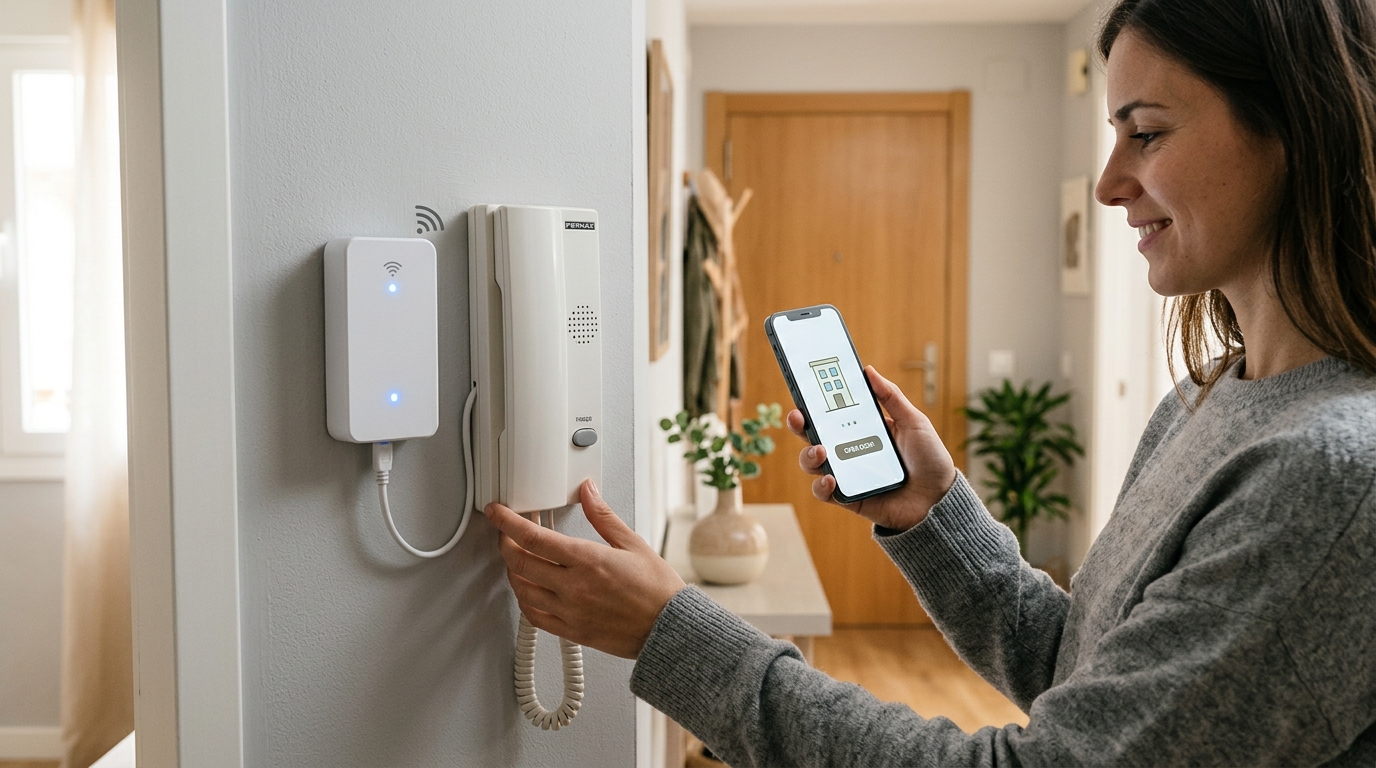
Waiting around by the intercom to buzz someone into your building is a thing of the past. Upgrading your building intercom to a smart Wi-Fi system is the perfect solution for managing access from anywhere, whether it is receiving deliveries, letting in vacation rental guests, or granting access to cleaning staff. If you are wondering how to make this technological leap without having to replace your entire building's intercom setup, you are in the right place.
Key Takeaways
- A Wi-Fi intercom allows you to buzz open the building entrance door right from your mobile phone.
- No permission from the building HOA/community is required, nor do you need to modify the street-level panel.
- Installation is straightforward and compatible with most existing audio and video intercom systems.
What is a Wi-Fi intercom and why do you need one?
The concept of a Wi-Fi intercom refers to integrating your existing building intercom with a connected module that links it to the internet, allowing you to open the street door using your smartphone. Instead of having to run to the handset every time it rings—or worse, having to hand out duplicate physical keys to multiple people—you can manage access directly via an app.
For vacation rental hosts, coworking space managers, or simply residents tired of lockouts, this automation saves substantial time while boosting security. Say goodbye to unnecessary trips across town and misplaced keys.
Pre-Purchase Check
Before buying any device, check the brand and model of your current intercom handset. This will help you verify compatibility and avoid unnecessary returns.
Do you need permission from your building HOA or community?
One of the most common questions when installing a Wi-Fi intercom is whether you need approval from the homeowners' association or building management. In general, the answer is no. Because the installation takes place entirely inside your apartment—acting directly on the handset or monitor already in your unit—you are not modifying common areas or the outdoor street panel.
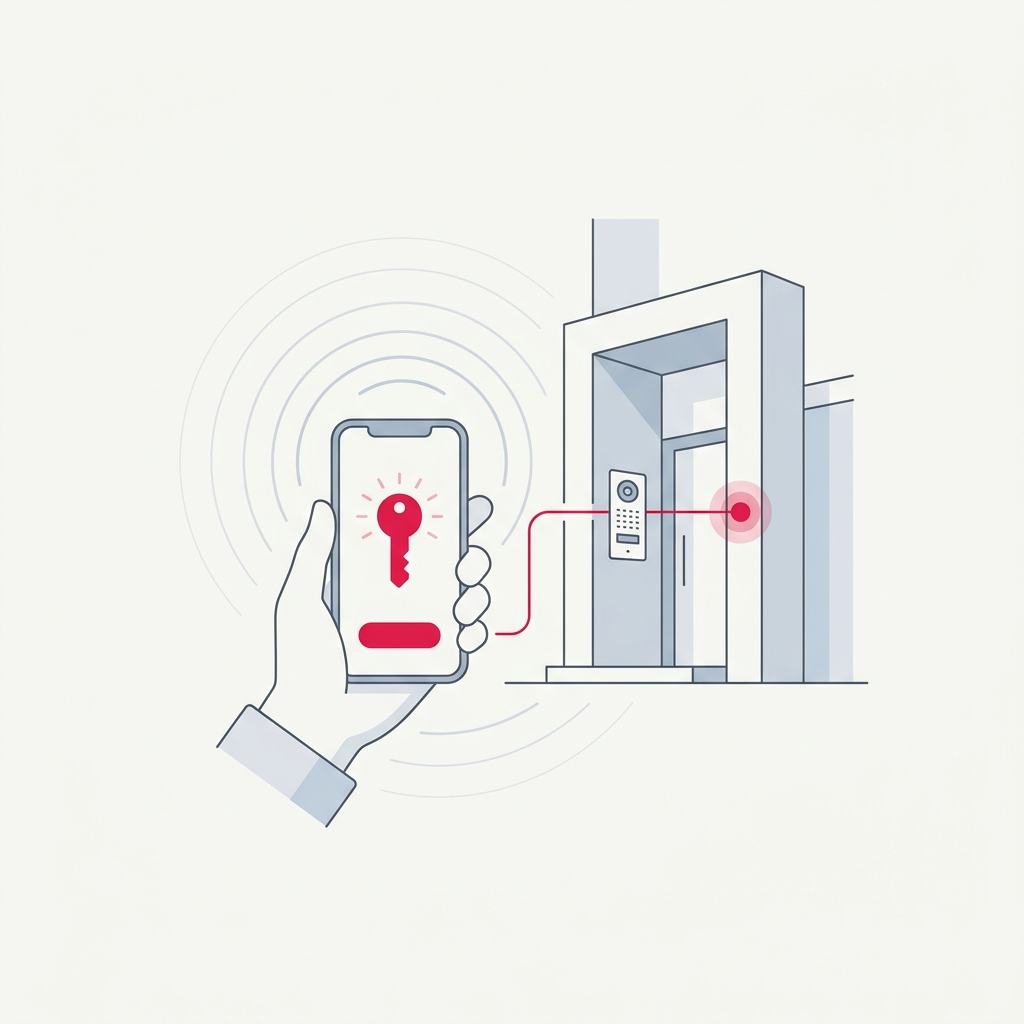
Consequently, it is an ideal solution for private residences as well as any vacation rental property. That being said, if any changes were required in the building's central telecommunications cabinet, you would need to consult property management—though this is rarely necessary with modern end-user devices.
Upgrade your building access without asking for permits or touching the building facade: smart access control installs entirely inside your home.
Steps to install your Wi-Fi intercom
Installing a module to make your intercom smart varies depending on the manufacturer, but the process usually follows a common structure. While handy users with basic electrical knowledge can install it themselves, professional assistance is always recommended if you have doubts.
Key factors to consider when choosing a device
Not all smart opening modules are created equal, nor does one size fit every setup. Keep these essential factors in mind to ensure your investment pays off and runs reliably over time:
- Technical compatibility Ensure it supports analog, digital, or bus systems depending on your intercom model.
- Power supply Decide whether you prefer a battery-powered device (easier to conceal) or a wired one (no battery swaps needed).
- Extra features Some systems support integrations with door sensors or external keypads.
- User management Essential if you need to grant temporary digital keys, as in short-term rentals.
On the market, solutions like Raixer Pro stand out for their wide compatibility with diverse intercom systems, delivering reliable remote access for anyone seeking a robust, hassle-free professional setup.
Watch Your Wi-Fi Signal
The module requires a stable wireless connection. If your router is located far from your entrance hallway, consider adding a Wi-Fi range extender to avoid connection drops that could prevent remote opening.
The perfect pairing: Automated guest check-in
If you run a vacation rental, a smart Wi-Fi intercom is only half the equation. To deliver a truly frictionless guest experience, combining building access with automated remote check-in enables guests to enter the building completely self-sufficiently from day one.
This setup completely eliminates in-person key handovers, allowing you to manage access to both the street door and the apartment door within a single unified ecosystem.
Frequently Asked Questions
What happens if the internet or power goes out?
If there is an internet or power outage, you will not be able to unlock the door remotely via the app. However, your traditional intercom will keep working as usual (provided the building itself has power), and you can always unlock the door using your physical key.
Is it secure to open the building door with a smartphone?
Yes. Communication between the device, cloud servers, and your smartphone uses advanced encryption similar to online banking standards. Furthermore, it eliminates the security risks linked to lost, stolen, or unauthorized duplicated keys.
Can I grant access to cleaning or maintenance personnel?
Absolutely. You can set up scheduled or temporary access permissions via the mobile app. For instance, you can configure access for cleaning staff strictly on Tuesdays and Fridays between 10:00 AM and 2:00 PM.
Is there a monthly subscription fee?
It depends on the manufacturer. Some offer core remote-opening features completely free, while others charge a subscription for advanced tools like detailed access logs or professional integrations.