Access Control for Meeting Rooms: The Complete Guide
Streamline operations and boost security with smart access control for meeting rooms. Automate room bookings, ditch physical keys, and modernize your office.
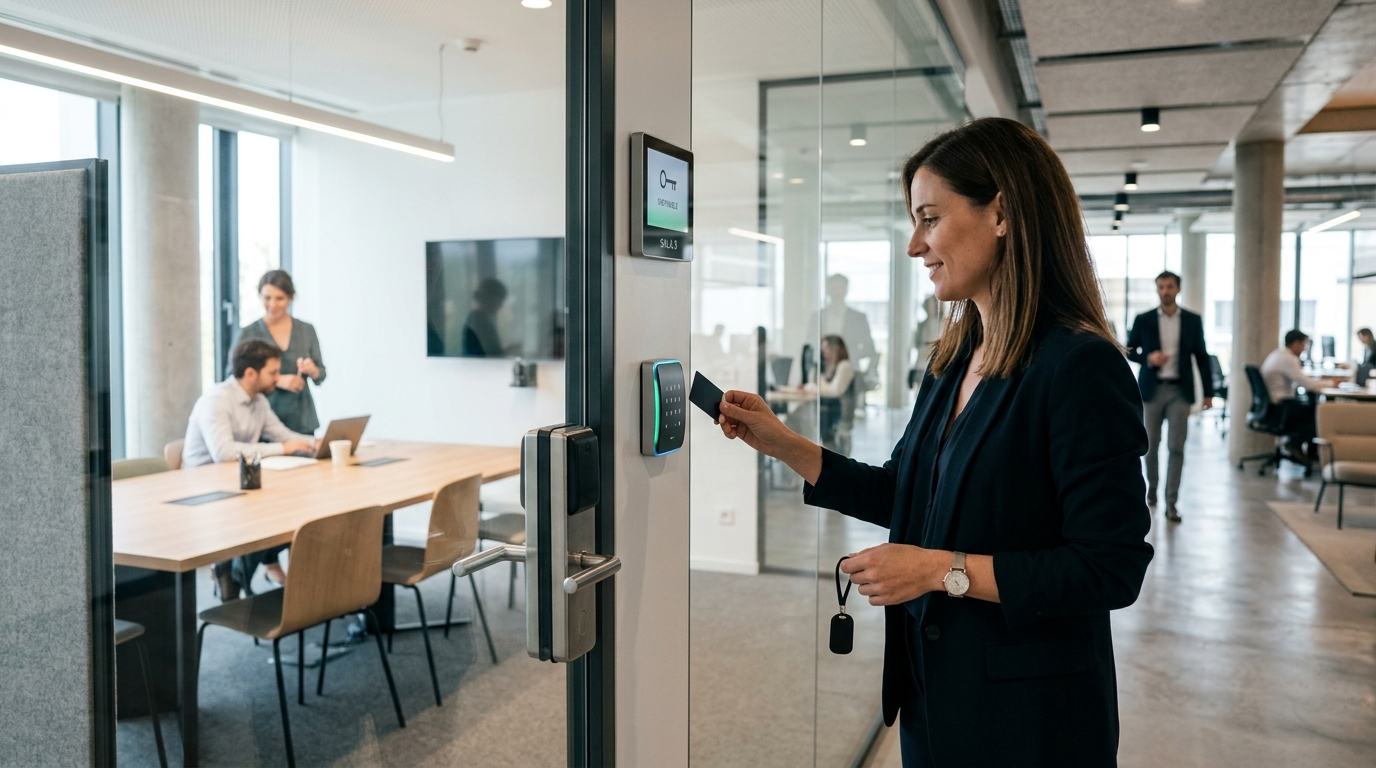
Managing bookings and access for multiple meeting rooms in a dynamic office or coworking space can be a major operational challenge. When there is a constant flow of internal teams, external clients, and nomadic professionals, traditional keyrings or constant reception desk involvement create unnecessary friction and waste valuable time. An efficient access control system for meeting rooms eliminates reliance on physical keys, enabling automated door opening and real-time activity logging.
Key Takeaways
- Automated access control for meeting rooms replaces physical keys and streamlines booking workflows.
- Integrating digital calendars with smart locks allows you to grant access permissions that expire the exact moment a booking ends.
- Systems powered by Bluetooth (BLE), Matter, or Wi-Fi enable fast, flexible local or remote unlocking right from a smartphone.
- Scalable solutions deliver a quick ROI by optimizing front-desk resources and preventing room scheduling conflicts.
Why Automate Access to Your Meeting Rooms?
Immediacy is everything in corporate environments and coworking hubs. If a team needs an impromptu meeting or an important client walks through the door, every minute matters. Meeting room access control is not just about unlocking doors; it is about automating an entire workflow. When an employee reserves a room, the system can instantly generate a temporary PIN or a digital key on their phone that works exclusively during their allotted time slot. Once time is up, the credential is automatically revoked.
This level of precision does not just stop colleagues from walking in unannounced and hijacking the room; it also provides actionable insights. You can measure real occupancy rates by cross-referencing reservation logs with actual door unlock events. This data is invaluable for identifying underutilized spaces or determining whether your office layout needs a revamp.
Web Buttons: A Lifesaver for Guests
For one-off visitors, avoiding the hassle of downloading an app is essential. A link sent via WhatsApp or email featuring a temporary virtual unlock button offers the fastest, most user-friendly experience.
Integrating Meeting Room Hardware: What Are Your Options?
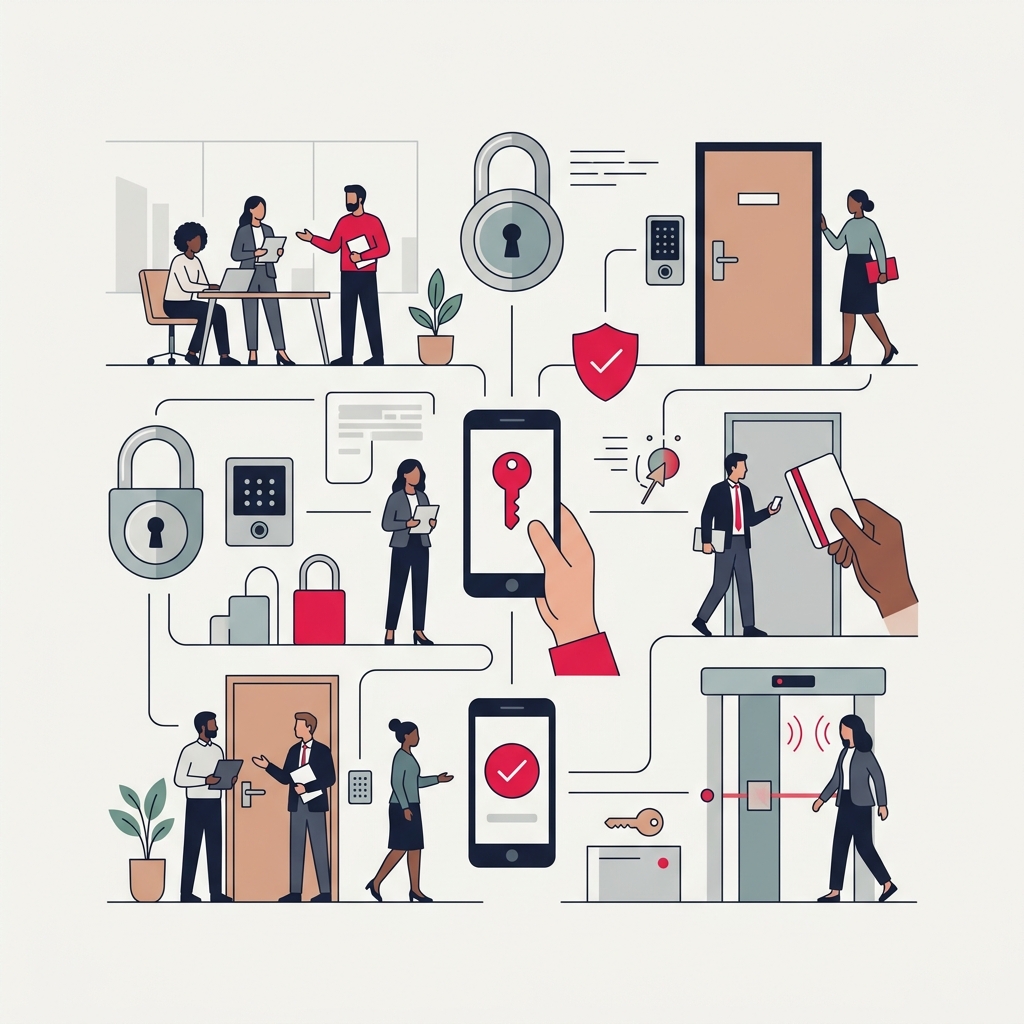
From a hardware perspective, the best setup largely depends on your door specifications and how much renovation work you are willing to undertake. Solutions generally fall into two categories: replacing the cylinder or installing auxiliary electronic hardware.
Electronic Locks and Smart Cylinders
Replacing a traditional Euro-profile cylinder with a motorized smart cylinder or an electronic door knob is an extremely popular route for existing offices because it rarely requires drilling or modifying the door frame. These units are typically battery-operated and communicate via BLE or Wi-Fi bridges.
Hardwired and Centralized Systems (Electric Strikes)
For new builds or comprehensive office fit-outs, running cables to the doors and fitting electric strikes (the frame-mounted mechanism that releases the latch) alongside a centralized controller offers a sleek, low-maintenance solution—eliminating the need to ever change batteries. Professional-grade devices like Raixer Pro allow you to manage multiple access points from the cloud by wiring directly into existing installations via relays or low-voltage lines.
Automating meeting rooms completely transforms office workflow, putting an end to interruptions and maximizing your real estate efficiency.
Steps to Automate Your Office Meeting Rooms
If you are ready to say goodbye to missing keys and overlapping bookings, digitizing your rooms does not have to be painful. Follow these steps for a smooth rollout:
- Audit your doors and traffic patterns. Map out how many rooms you have, what door materials are used (glass, solid wood, aluminum frame), and outline who needs access and how often (permanent staff, guests, cleaning crews).
- Choose the right hardware. Decide between battery-powered locks (installed in minutes with zero construction) or hardwired electric strikes (ideal during renovations or if a video intercom is already in place).
- Select compatible booking software. Ensure your meeting room scheduling platform features an open API (or webhooks) so it can communicate seamlessly with your smart lock system.
- Set up permissions and automation rules. Sync room calendars. Establish clear policies: for example, enabling mobile unlocking 5 minutes before the meeting starts until 5 minutes after it ends.
- Test and roll out. Start with a pilot room before rolling the solution out company-wide to make sure staff are comfortable unlocking doors via smartphone or PIN.
The Power of Contactless Access
Widespread smartphone use has made contactless entry the gold standard. An employee walking up to a conference room with their hands full holding a laptop and a coffee can unlock the door effortlessly—whether via proximity sensors (using background BLE on their phone) or voice assistant integrations in private executive spaces (such as Alexa-compatible smart locks). This cuts out daily physical friction while noticeably improving hygiene across high-traffic offices.
The Future of the Hybrid Workplace
With hybrid work here to stay, office occupancy changes from one day to the next. Agile, flexible access control ensures your building uses energy and operational resources only where actual work is taking place.
Frequently Asked Questions
Can meeting room doors still be opened if the Wi-Fi goes down?
Yes. Most modern access control solutions store active credentials locally in memory or support offline entry through Bluetooth or algorithm-generated PIN codes, ensuring day-to-day work is never interrupted by internet outages.
Can smart locks be installed on glass doors?
Meeting rooms often feature frameless glass walls and doors. There are specialized smart locks, surface-mounted strikes, and electromagnetic shear locks designed specifically for tempered glass. These mount using high-strength adhesives or specialized clamp brackets, eliminating the need to drill into the glass.
How do I manage access rights in high-turnover coworking spaces?
The best approach is connecting your smart locks directly to your coworking management software (PMS). When a user registers or books space in the platform, an API integration automatically issues a digital key tied to their scheduled hours—requiring zero manual intervention from your team.
Do battery-powered smart locks require ongoing maintenance?
The primary maintenance task is replacing the batteries (typically standard AA, AAA, or lithium cells), which usually last anywhere from several months to a year depending on daily usage. Commercial-grade systems send low-battery alerts well in advance so you can schedule replacements before a door ever gets locked out.