Access Control for Employees in Small Offices
Modernize your business and ditch physical keys. Discover the best employee access control for small offices and manage door entry from your phone. Check it out!
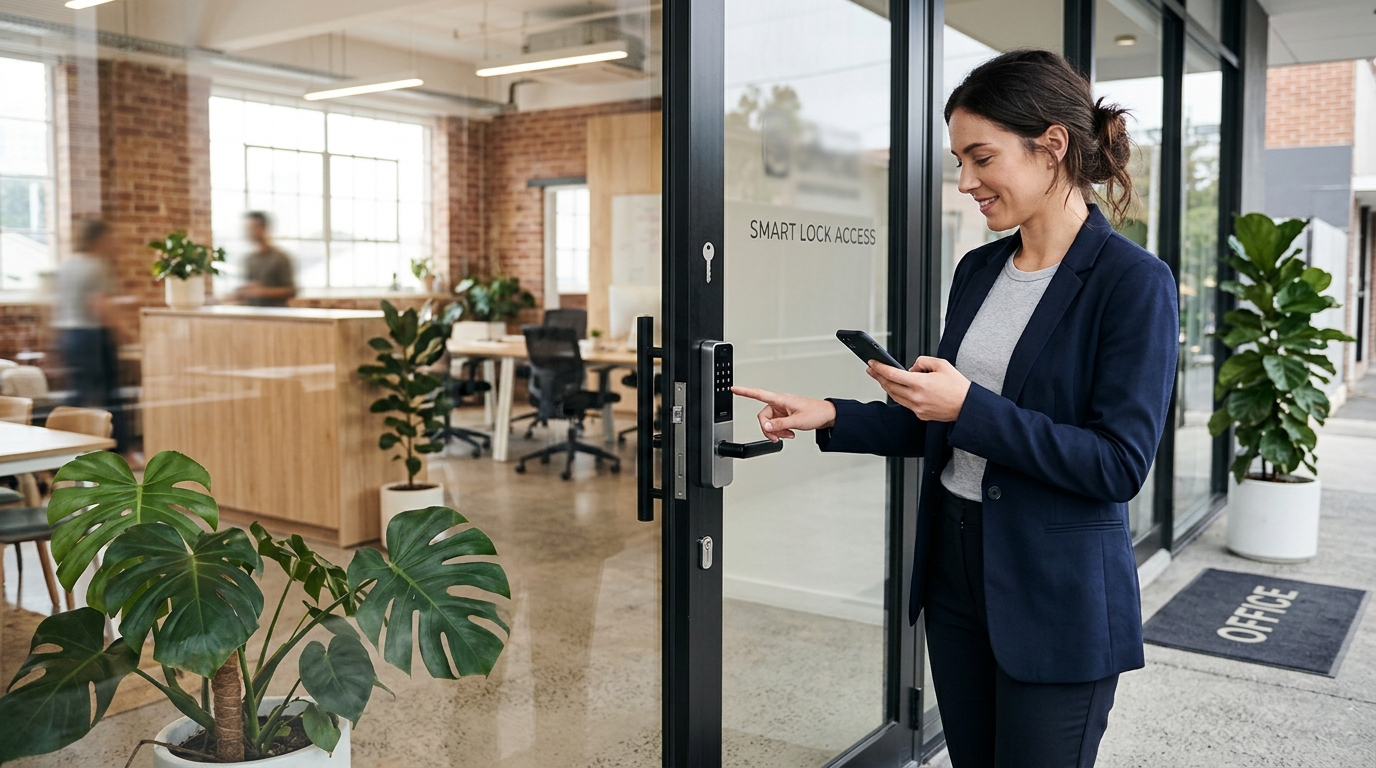
Implementing an access control system for employees in small offices is no longer a luxury reserved for large corporations, but a fundamental operational and security necessity. Well into 2026, with the consolidation of hybrid work models and flexible schedules, managing bulky keyrings, worrying about unauthorized copies, or waking up early just to open the door for the first arrival are problems of the past. Today, your mobile phone is the ultimate tool to comprehensively manage who enters your workspace and when.
Key Takeaways
- Modern access control eliminates physical keys and centralizes all management on each user's mobile phone.
- It lets you set highly customized schedules and permissions based on each employee's, vendor's, or visitor's role in the office.
- It provides a historical log of entries and exits, drastically improving security and simplifying multiple administrative processes.
If you run a workspace with a compact team or a rapidly growing startup, you likely need a solution that is agile, easy to install, and requires neither an on-site dedicated server nor complex wiring running through the walls. Let's analyze in depth how to unify security and convenience using next-generation smart locks, and why mobile devices have become the indispensable core of this ecosystem.
Why replace physical keys with mobile phones in your office?
In a small office environment, agility is key to maintaining productivity. Traditional metal keys feature numerous structural security flaws: they are easily lost, shared without oversight, and leave zero audit trail of who entered or exited the premises. By digitizing access control, you transition from relying on passive, blind security to enjoying active, intelligent, real-time management.
Using a smartphone as an access credential leverages a device employees already carry everywhere, eliminating the need to issue, replace, or configure plastic RFID cards. Furthermore, the phone's native biometrics (facial recognition or fingerprint scan to unlock the screen) add an extra layer of two-factor security that conventional keys could never provide. If someone finds a metal key on the street, they can use it; if someone finds a locked smartphone, your company's door remains secure.
Vendor Access
You can generate temporary digital passes or tightly restricted recurring schedules. For example, allow the cleaning staff to unlock the door only on Tuesdays and Thursdays from 8:00 PM to 10:00 PM, blocking any attempt outside that specific window.
Beyond unlocking doors: Operational advantages
Implementing access control for employees in small offices goes far beyond mere physical security; it directly and profoundly improves daily operations and company culture.
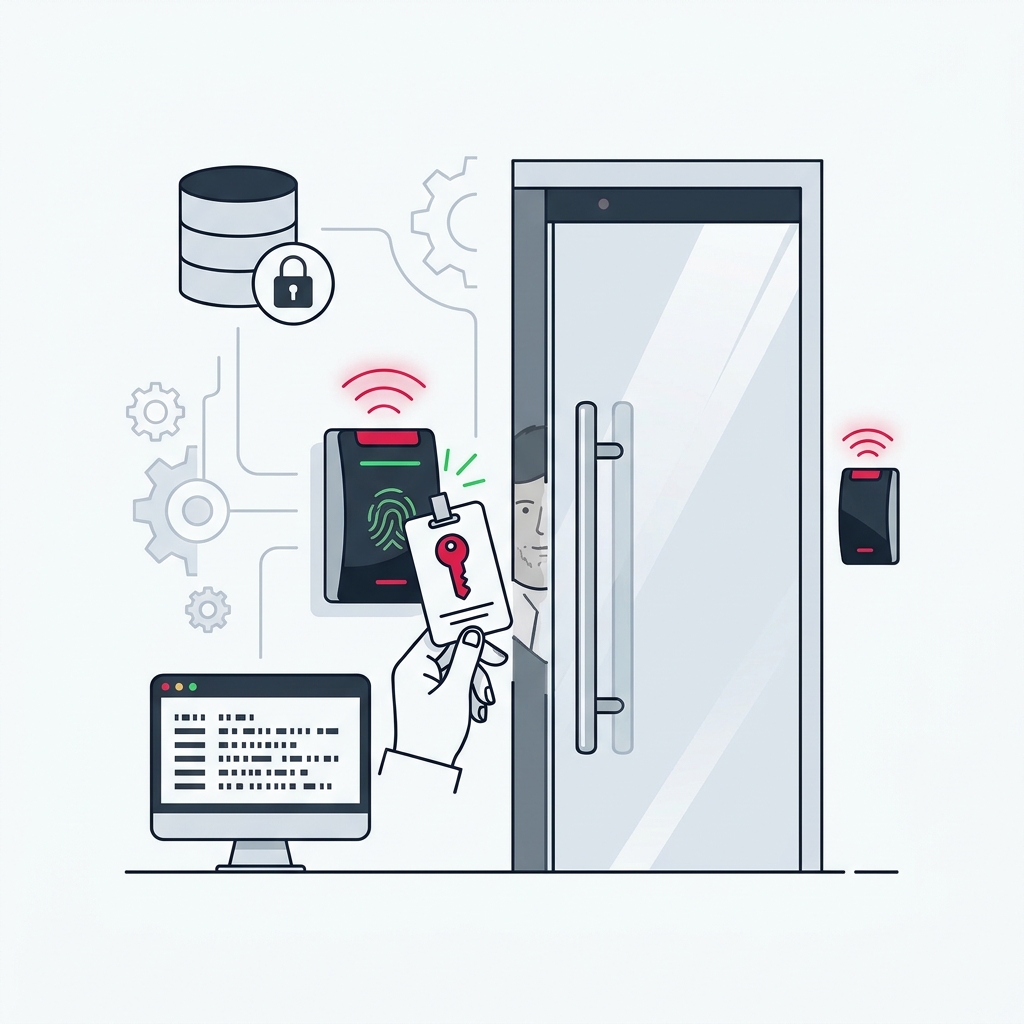
- Activity logging You get a detailed audit trail of who enters and exits, making schedule verification and incident investigation simple.
- Savings on duplicate keys The recurring expense of cutting keys and rekeying locks whenever an employee leaves the company completely vanishes.
- Unattended reception You can remotely buzz in couriers or unexpected visitors without interrupting your workflow or needing a dedicated receptionist.
- Corporate image Signal to clients and prospective hires that your business embraces modern digital standards and high operational efficiency.
Modern office security no longer depends on how many mechanical deadbolts you have installed, but on the intelligent, dynamic control you wield over them from your smartphone.
Step-by-step: How to implement an access system in your office
Making the leap to digital access is simpler than it seems when following an orderly process. Here is the recommended roadmap for small and medium-sized offices:
- Access audit. Review how many doors truly need management. Is it just the main office suite door, or do you also want to digitize street-level access and the server room? Identifying critical access points is your first vital step.
- Hardware selection. Choose devices that fit your existing doors without requiring major renovations. Selecting a reliable smart lock for offices and coworking spaces ensures durability under heavy daily traffic and rock-solid connectivity.
- Installation and connection. Mount the electronic cylinders or smart retrofits. Make sure the Wi-Fi bridge or hub (if required by your system) is centrally located with strong wireless coverage to guarantee low-latency remote unlocks.
- Configuring roles in the dashboard. Before inviting the entire team, set up user groups (Directors, Staff, Cleaning) and assign allowed calendars and hours to each. This avoids last-minute permission scrambling.
- Team onboarding. Send digital invitations to employees' corporate email addresses. Dedicate five minutes during a team meeting to show them how to download the app, enable Bluetooth, and perform their first secure unlock.
Common configuration mistakes and how to avoid them
Although these systems are designed to be intuitive, small offices frequently make planning errors that compromise both user experience and physical security.
The most common mistake is failing to prepare a mechanical contingency plan. Modern smart locks are exceptionally stable, but motorized components and smartphones ultimately run on batteries. The primary administrator or an executive must keep a physical backup key off-site to handle catastrophic power failures or dead device batteries if low-battery warnings were ignored.
Never create a generic shared account or PIN labeled "Office Team" for everyone to use. Doing so breaks your audit trail and prevents you from revoking access for a single individual if they leave the company or misplace their phone.
Another frequent oversight is neglecting to revoke credentials during employee offboarding. Revoking digital access must be a mandatory step in your HR departure checklist the moment an employee separates from the company.
How to ensure system and data security
Digitization introduces new tech considerations. It is completely natural to wonder whether a mobile-based access control system is vulnerable to network attacks, packet sniffing, or a team member simply losing their phone.
First, communications between the smartphone and the lock (specifically over BLE - Bluetooth Low Energy) are heavily secured with advanced cryptographic algorithms comparable to banking standards. Signals cannot be casually intercepted or cloned, unlike traditional low-frequency RFID key fobs.
Second, if an employee misplaces their phone, the administrator can revoke their digital access instantly from the cloud management console. As soon as the lost device checks in, its permissions are wiped, immediately blocking any unauthorized entry attempt. This provides a massive advantage over losing a physical key, which would force you to hire an emergency locksmith, rekey or replace the entire cylinder, and distribute new metal keys to the entire team.
Finally, keeping both mobile apps and hardware firmware up to date is crucial for patching emerging vulnerabilities. This is a baseline best practice for any modern internet-connected equipment.
Frequently Asked Questions
What happens if the office Wi-Fi or internet connection goes down?
The vast majority of modern access control systems support local Bluetooth communication and unlocking. This means that if the Wi-Fi drops or the internet service provider experiences an outage, employees who already have their digital keys downloaded onto the mobile app can continue opening doors seamlessly. The credential verification happens directly between the phone and the lock hardware without requiring real-time cloud connectivity.
Do I need to replace the entire door to install smart access control?
In most scenarios, replacing the door slab or frame is unnecessary. Contemporary smart access hardware is built modularly to retrofit existing doors. This can be accomplished by fitting a Euro-profile smart cylinder, installing a motorized interior retrofit that turns the key inside the lock, or wiring a small smart relay into an existing intercom or electric strike.
Can I track exactly how many hours an employee spends in the office?
The system logs the exact timestamp whenever a user initiates an entry command. However, if your company requires formal time-and-attendance tracking with precise checkout records, you must implement a protocol where employees register their exits as well—whether through a dedicated button in the app, an egress reader at the exit, or an integration between the access system and your HR software platform.
What happens if an employee arrives with a completely dead phone battery?
This is a common concern during digital adoption. In small offices, a coworker is typically already inside and can open the door manually, or an administrator can trigger a remote unlock. Additionally, many smart locks retain a keyed cylinder option, allowing access via a mechanical emergency key kept securely by management.
Is it difficult to revoke access for an ex-employee on short notice?
Not at all; this is one of the greatest operational benefits of digital access. An administrator simply logs into the web dashboard or mobile management app, locates the user's profile, and clicks remove or revoke. The change syncs instantly in the cloud, immediately disabling that person's phone from unlocking the door without needing to retrieve physical keys or replace locks.