Access Control for Receptionless Offices: An Efficient Guide
Modernize your workspace with access control for receptionless offices. Automate mobile entry and PIN codes with maximum security. Discover how!
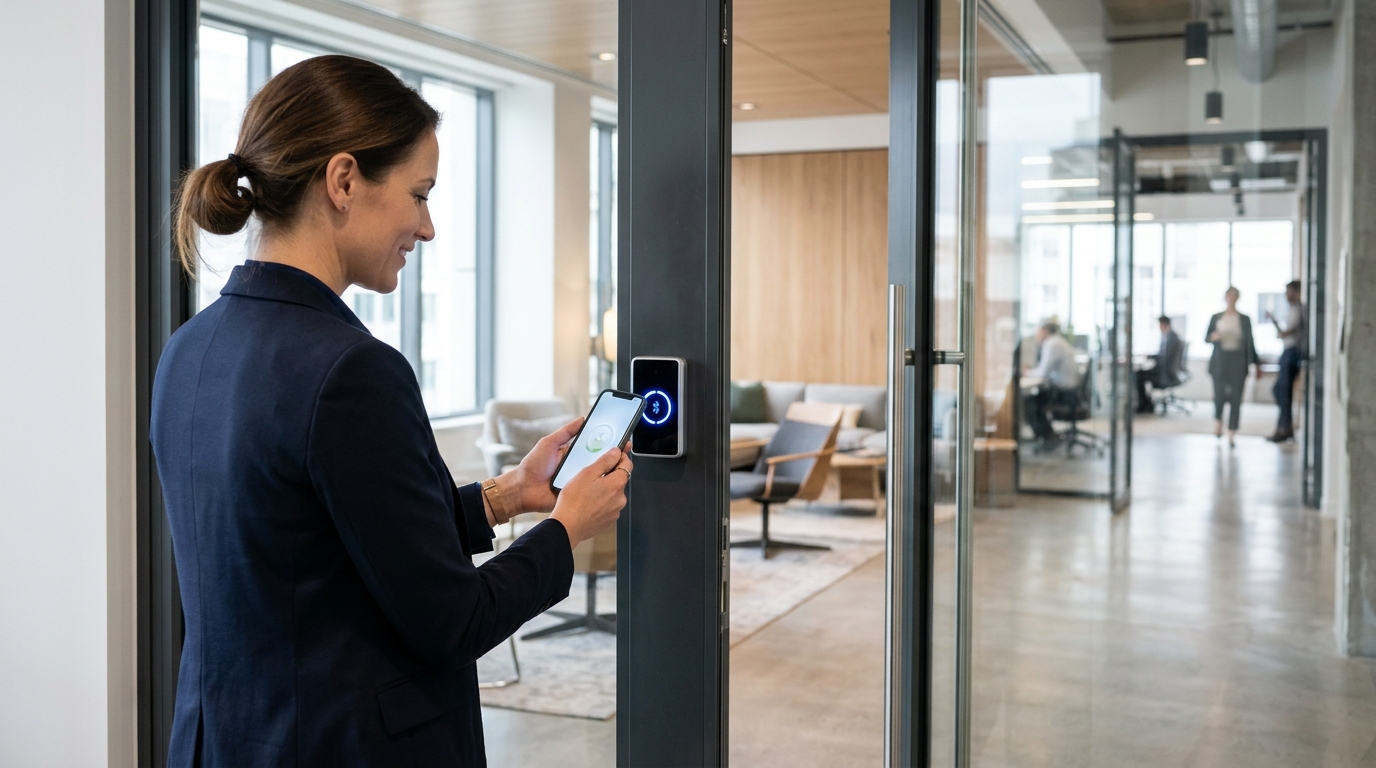
Workplace dynamics and space management have evolved drastically. Today, keeping someone on staff exclusively to open and close doors or hand out keys is inefficient and costly for many companies. This is where implementing access control for receptionless offices becomes the ultimate solution to grant autonomy to employees, visitors, and vendors, ensuring site security without relying on on-site staff.
Key Takeaways
- An autonomous system allows entry and exit management via mobile apps, numeric PIN codes, or NFC cards without needing a receptionist.
- It completely eliminates replacement costs and security risks associated with losing traditional physical keys.
- Cloud-based administration makes it easy to grant or revoke permissions in real time, natively integrating with HR software.
Why Implement Access Control for Receptionless Offices in 2026?
The traditional office concept with rigid nine-to-five hours has given way to hybrid models, coworking spaces, and completely flexible schedules. In 2026, teams operate remotely, and facilities must be accessible across broad time windows. Relying on an on-site receptionist to validate who enters and exits creates both an operational and financial bottleneck.
Installing smart access control automates this process end-to-end. When a workspace removes the physical barriers of traditional keys, the user experience improves instantly. Workers simply tap their phone against the reader or enter a PIN code, and the system verifies their identity in milliseconds, logging the event in the cloud for subsequent audits.
Additionally, this automation resolves one of the biggest headaches for facility managers and operations directors: managing external visitors, cleaning crews, and courier services. Without a physical reception desk, coordinating parcel deliveries or welcoming job interview candidates requires a dynamic solution capable of issuing temporary invites and time-limited codes via email or WhatsApp.
Technologies and Protocols Behind Autonomous Access
For a building or office to operate autonomously and securely, the hardware installed on the doors must communicate seamlessly with the management platform. The industry has consolidated several wireless communication protocols, each offering distinct advantages depending on the building's infrastructure.
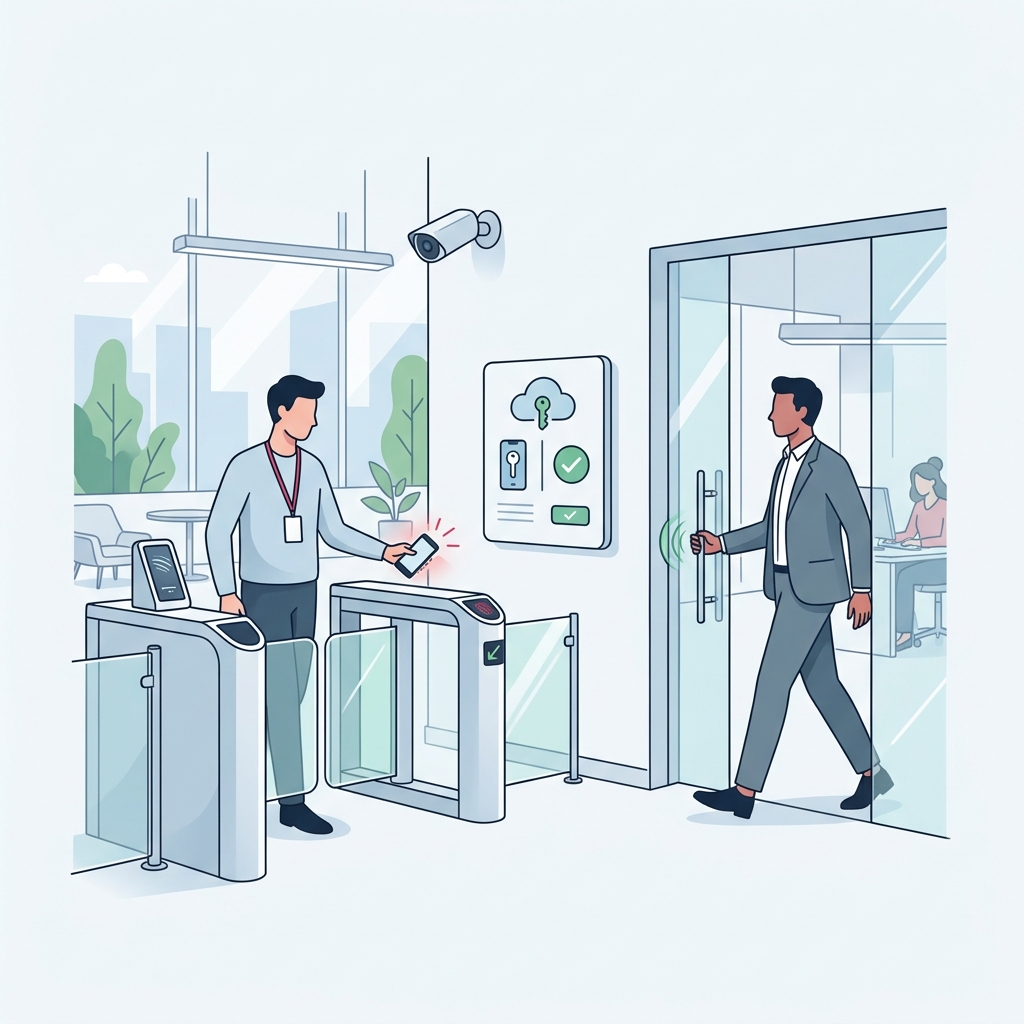
Bluetooth Low Energy (BLE) is the clear standard when it comes to smartphone-based unlocking. By operating locally between the smartphone and the lock, it allows doors to unlock even during an office internet outage or if the user has no cellular data coverage. This offline redundancy is vital to ensure no one is locked out due to a network glitch.
Watch Out for Egress Regulations
When electrifying office doors, ensure that the installed devices do not block panic bars or quick-exit mechanisms required for emergency evacuation.
Step-by-Step: How to Implement Access Control for Receptionless Offices
Transitioning from metal to software must be carried out methodically to avoid disrupting daily operations. Installing a smart lock for offices and coworking spaces follows a structured workflow.
- Initial Access Audit. Identify which doors require control (main entrance, IT rooms, document archives, private offices) and what type of latch or mechanical lock is currently fitted.
- Technology Ecosystem Selection. Choose locks and relays that share the same cloud management platform so employees are not forced to use different apps depending on the door they need to unlock.
- Physical Hardware Installation. A certified installer or your internal maintenance team replaces the mechanical cylinders with smart versions or wires the relay into the electric strike control panel. This typically takes under an hour per door.
- Cloud Dashboard Configuration. Set up user groups (executives, general staff, cleaning crew) and assign time-based permissions. For example, restricting the cleaning team's access strictly to Monday through Friday from 6:00 PM to 9:00 PM.
- Deployment and Internal Onboarding. Distribute app download links and user guides to the team, along with backup PIN codes for every member.
Adoption is usually rapid, as these technologies are already widely used in everyday settings such as vacation rentals and modern gyms.
Cryptographic Security and Data Privacy
When entrusting a company's perimeter security to software, system resilience is non-negotiable. Communication between user smartphones and the access hardware must be protected by military-grade encryption standards, such as AES-128 or AES-256. This prevents Bluetooth or Wi-Fi signals from being spoofed or intercepted via sniffing or Man-in-the-Middle (MitM) attacks.
Beyond technical security, complying with active data privacy legislation is essential. Access control systems in receptionless offices produce continuous access logs: who entered, through which door, and at what exact time. Data protection regulations require that these logs be stored securely and encrypted on compliant servers. Companies must also inform employees about these records, ensuring they are used strictly for security and auditing purposes rather than intrusive employee monitoring.
Data Retention Policy
Configure your cloud platform to automatically delete or anonymize entry records for temporary users after a set period, adhering to data minimization principles under privacy laws.
Integrations with Management Tools (APIs and Webhooks)
The true power of these solutions is unlocked when the access platform does not operate in a silo, but instead connects with the software tools your business already relies on. Through REST APIs and webhooks, you can fully automate the entire access lifecycle for employees and coworking members.
Consider this workflow: a new hire signs their employment contract digitally through your HR software. Instantly, the platform connects to your access control system, creating the user profile, emailing them a custom PIN code, and provisioning access to authorized zones only. When that employee departs, HR simply marks them as inactive in the system, and physical credentials are revoked immediately. This automation removes human error and drastically cuts down time spent managing security credentials.
Automating access to your office doesn't just cut operational overhead—it projects an image of innovation, modernity, and efficiency the moment a visitor arrives.
Similarly, in shared workspaces, integrating with meeting room booking platforms or shared calendars ensures that a meeting room door unlocks only if the person has an active reservation for that specific time slot. This layer of operational intelligence elevates access control into a strategic asset far beyond basic key-turning.
Frequently Asked Questions
What happens if the office loses power?
Smart locks and interior door cylinders run on independent batteries, meaning they continue to function normally during power outages. For electric strikes wired to main entrances, egress from the inside via mechanical panic hardware or handles is always guaranteed by safety codes. However, exterior entry during an outage requires restored power or an uninterrupted power supply (UPS) backup.
Can doors still be opened if the office Wi-Fi goes down?
Yes, most commercial systems are designed to operate in a decentralized manner. Mobile unlocking works via a direct local Bluetooth connection between the smartphone and the lock. PIN codes are also stored locally in the lock's or keypad's onboard memory, so credentials validate even if the local network is offline.
How long do smart lock batteries last in an office environment?
Battery longevity depends on the device technology (motorized cylinders consume more power than unmotorized handles) and daily usage volume. In standard office environments, lithium batteries typically last anywhere from several months up to a full year. In addition, the central dashboard notifies administrators and users weeks in advance when battery levels run low.
Can we keep a traditional mechanical cylinder as a backup?
Yes, many solutions support hybrid setups or feature a hidden high-security mechanical cylinder for emergency overrides. This allows your team to use smart access daily, while managers retain a physical master key securely stored away for extreme emergencies or unexpected hardware faults.