Shared Meeting Room Management and Automation
Optimize shared meeting room management with smart access and automated bookings. Boost your space's profitability. Discover how!
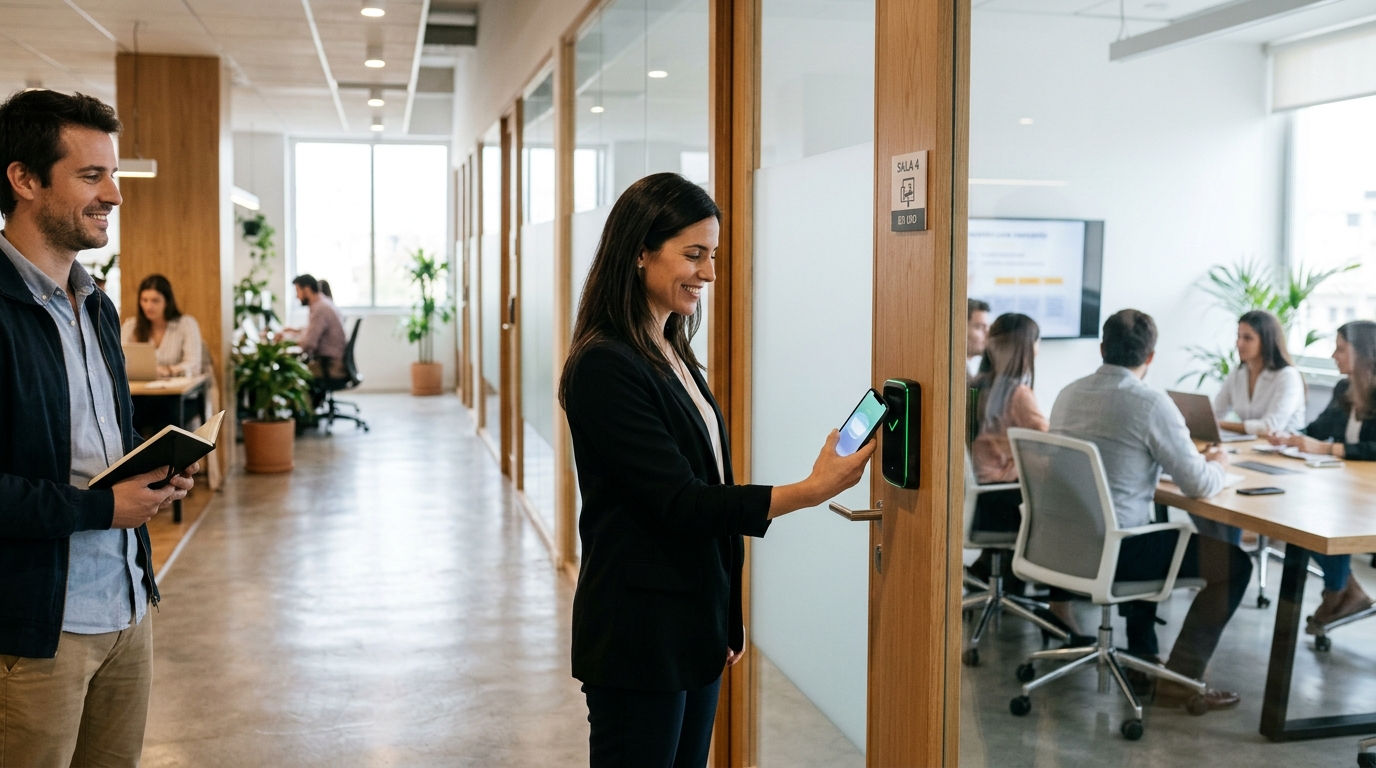
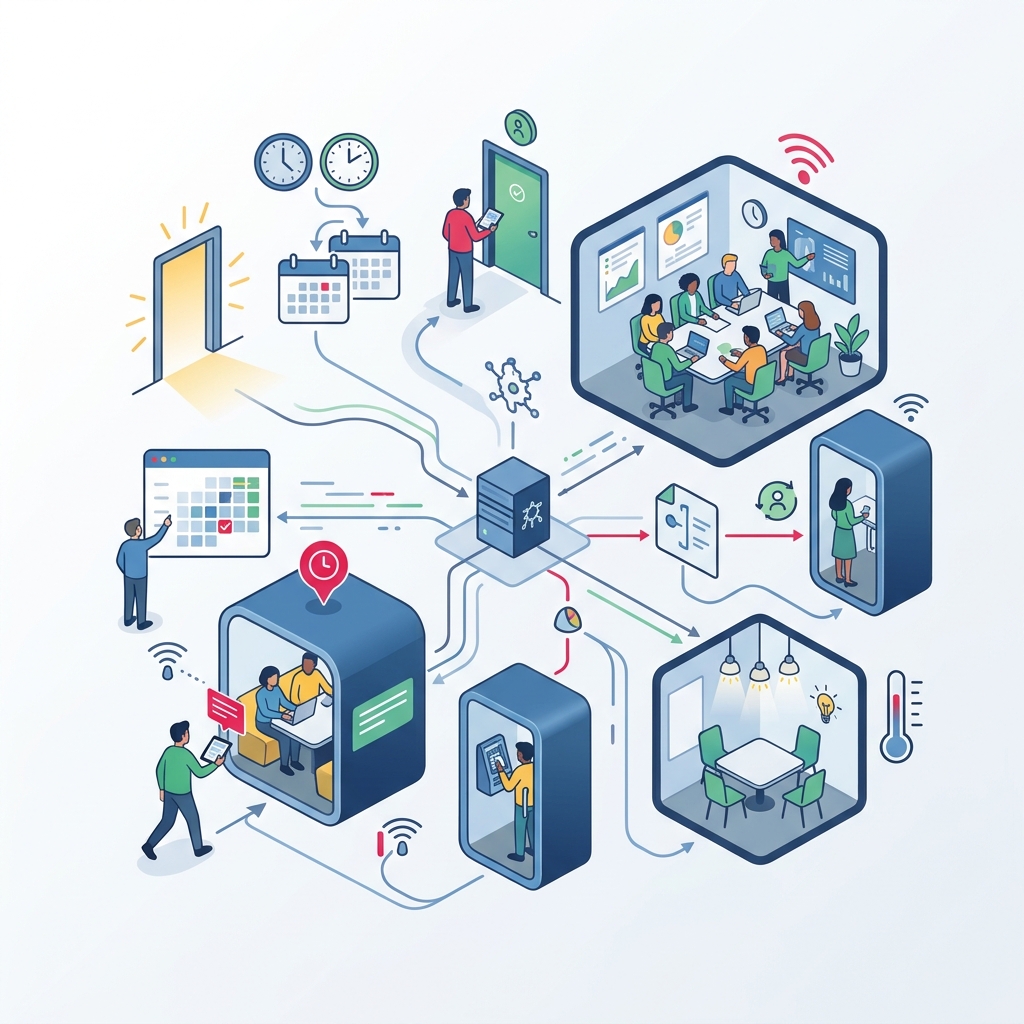
Proper shared meeting room management marks the difference between a profitable workspace and a black hole of administrative hours. When you rely on handing over physical keys or RFID cards that are not cloud-integrated, you face a constant cycle of overlapping bookings, failed manual payments, and frustrated clients waiting in the hallway. The real solution is not just installing a keypad on the door, but creating an ecosystem where calendar bookings, payment gateway confirmations, and physical space access operate completely autonomously.
Key Takeaways
- Automation links physical access directly to payment gateway confirmation.
- Integrating the calendar via API ensures the code or virtual key only works during the booking window.
- Protocols such as BLE and offline encrypted access guarantee entry even without an internet connection.
The Challenge of Shared Meeting Room Management in 2026
As hybrid work models become the standard, the demand for flexible, hourly spaces has grown exponentially. However, scaling this business model is impossible if every booking requires human interaction. Today, shared meeting room management demands an infrastructure capable of orchestrating multiple variables in real time. If a user books a room at 6:00 PM for an emergency meeting, the system must instantly process the payment, update the global availability grid, issue an access credential valid only from 5:55 PM to 7:05 PM, and revoke that permission once the time has ended.
The main issue facing coworking or business center managers is the disconnect between software (PMS or booking platform) and hardware (the lock). When these two elements do not communicate, non-payments multiply and building security is compromised by generic codes that remain unchanged for months.
Courtesy Buffer
It is best practice to configure the access code to become valid 10 minutes before the start of the booking and expire 5 minutes after it ends. This absorbs minor delays and improves the user experience.
Operational Benefits of Digitizing Your Shared Spaces
When you implement this level of automation in shared meeting room management, the return on investment is visible almost immediately. The benefits not only impact the bottom line through time savings, but also elevate the perception of quality and innovation projected to professional clients.
- Passive Monetization Rent out meeting spaces to external clients on weekends or evenings when front desk staff is off-duty.
- Full Traceability Keep an exact log of who enters, when, and how long they stay, making it simple to audit any incident.
- Eliminate Unpaid Bookings By conditioning virtual key delivery on successful payment, you eradicate pending billing issues at the root.
- Replacement Savings Completely eliminate the costs associated with lost, copied, replaced, or broken mechanical keys and misplaced RFID cards.
Physical Security, Contingencies, and Compliance
A critical consideration when automating access in commercial office buildings is strict compliance with fire and life safety evacuation regulations. Electronic locks in common areas must adhere to life-safety principles, which often dictate the difference between fail-safe systems (unlocked during power loss) and fail-secure systems (locked during power loss but ensuring a guaranteed mechanical exit).
Inside the room, regulations require the interior handle to allow free egress at all times. If an electromagnetic lock or an electric strike with a hold-open latch is used, it is mandatory to connect it to the building's fire alarm system so it disengages automatically in an emergency, allowing occupants to evacuate freely.
For the main entrance of the business center, where clients arrive before reaching the meeting room, smart relay solutions can be implemented. Devices such as Raixer Pro integrate directly into the electronics of building intercoms or automatic barriers, ensuring a seamless, frictionless journey from the street right to the meeting room chair.
Never deploy a system that relies 100% on active Wi-Fi to validate local unlocking. The system must be capable of caching generated codes and utilizing BLE to verify cryptographic keys even if the telecom provider's network goes down.
Another benefit of end-to-end cloud management is instant revocation. If suspicious behavior is detected from a user, the administrator can revoke all active credentials with a single click, instantly securing the space remotely.
The secret to efficient management does not lie in mounting touchscreens on doors, but in ensuring financial software and physical hardware speak the exact same language without human intervention.
Frequently Asked Questions
What happens to access if a client cancels the booking at the last minute?
When the calendar is integrated with access control via API, any change in the booking platform (including cancellations) instantly updates the lock's cloud status. The assigned temporary code or virtual key is invalidated within milliseconds, preventing the cancelled user from entering.
Can I install these locks on the glass doors commonly used in meeting rooms?
Yes, this is actually one of the most common applications. For glass doors, standard practice is to install surface-mounted electric strikes designed for glass, or electromagnetic locks on the top header of the frame. The access controller simply powers or cuts voltage to these elements to grant or deny access.
Can I provide permanent access to employees or resident coworkers, and temporary access to external clients?
Absolutely. The system supports multi-tier user profile management. Residents or staff can have permanent access via the App or a permanent master code, while clients booking hourly slots receive credentials that activate and expire precisely according to their paid time slot.
What happens if the client's credit card payment fails?
If the Payment Intent fails in the payment gateway (due to insufficient funds or an expired card), the webhook confirming transaction success is never triggered. Consequently, the access control software never generates or delivers an access code. The client receives a failed payment alert, and the room remains secure.
Do I need to rewire my entire office's electrical system?
Not necessarily. There are battery-powered devices (such as smart cylinders or smart handles) with battery life exceeding a year of regular use, requiring zero wiring. However, for high-traffic doors, running a discrete 12V or 24V line concealed within the door frame to power electric strikes is recommended to completely eliminate battery maintenance.