Synchronize Booking and Airbnb Calendars: Complete Guide 2024
Avoid double bookings and optimize your vacation rental management. Discover how to efficiently synchronize Booking and Airbnb calendars with iCal or a Channel Manager. Improve your profitability now!
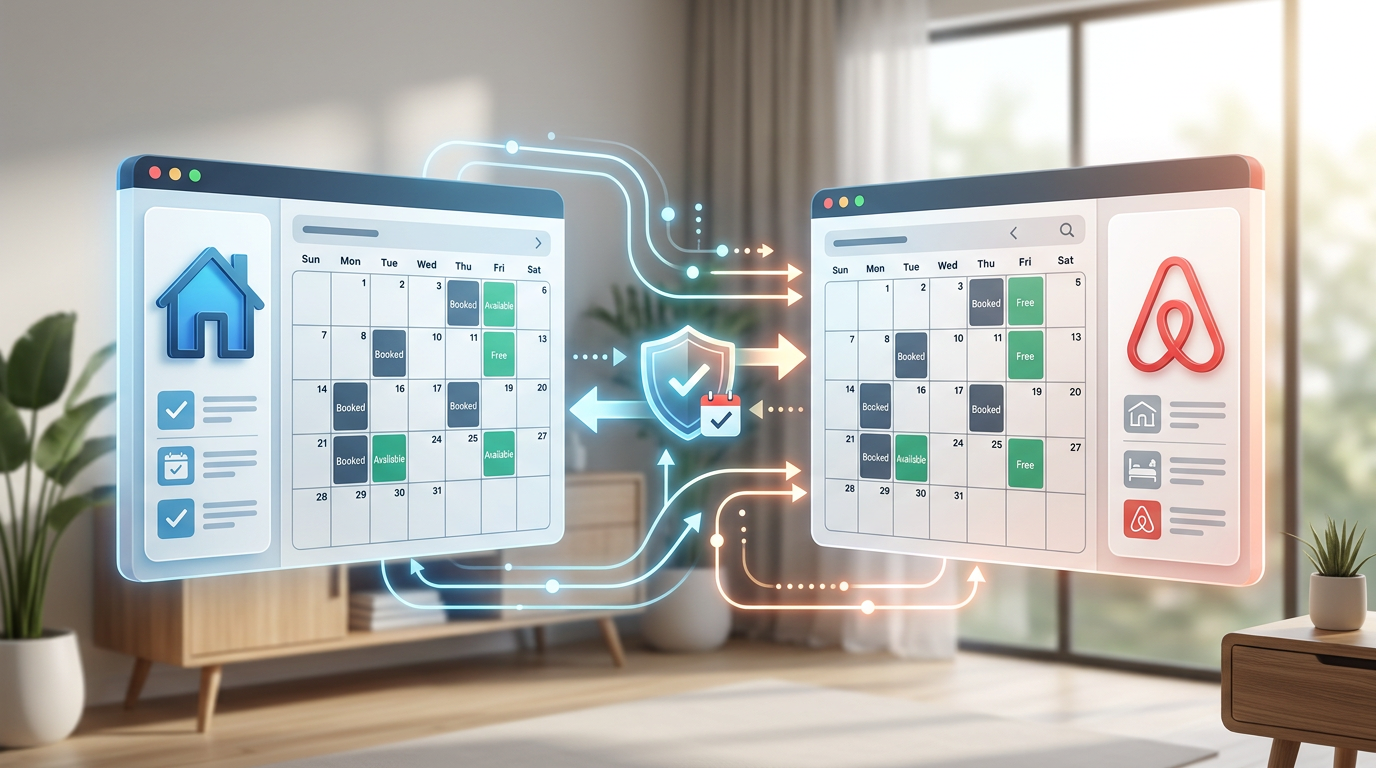
Property management in the tourist, vacation rental, or VUT (Tourist Use Homes) sector implies increasing complexity as the business scales. One of the most critical and time-consuming challenges is avoiding double bookings and maintaining current availability across various marketing platforms, such as Booking.com and Airbnb. The key to efficient, smooth operation lies in automation and effective calendar synchronization. Poor management can lead to cancellations, reputation loss, and ultimately, a decrease in income. Therefore, understanding how to synchronize Booking and Airbnb calendars optimally is fundamental for any manager.
The essentials
- Synchronizing calendars between Booking and Airbnb is crucial to avoid double bookings and optimize management.
- The iCal protocol allows for basic availability synchronization but has limitations in real-time updates and data flow.
- Channel Managers offer a comprehensive solution, updating prices, availability, and guest data in real time.
- Raixer smart locks integrate with these systems to automate the sending of access credentials to guests.
- The choice of synchronization method should be based on the volume of properties and the desired level of automation.
Why it's vital to synchronize Booking and Airbnb calendars in your business
Short-term rental operations, whether tourist apartments, boutique hotel rooms, or vacation rental properties (VUT), rely on visibility and availability. If a guest tries to book a date that is already occupied on another platform, a double booking occurs. This scenario is not only a source of frustration for the guest but also forces the manager to cancel one of the bookings, which can lead to penalties from platforms, affect online reputation through bad reviews, and, in the worst case, the loss of a valuable client.
A desynchronized calendar is a black hole for operational efficiency. It requires constant manual review of platforms, a tedious task prone to human error. This dedicated time could be used to improve guest experience, optimize pricing, or expand the business. Automating this process is, therefore, a direct investment in the profitability and sustainable growth of the property.
Integration with smart locks
Modern Channel Managers connect with systems like Raixer to automate the creation and sending of unique access codes to guests, activated and deactivated automatically according to reservation dates.
The perfect synergy: Calendar synchronization and Raixer smart locks
True automation in vacation rental management lies not only in calendar synchronization but also in how that information is used to enhance guest experience and operational efficiency. This is where Raixer's smart locks for tourist apartments play a fundamental role, closing the automation loop.
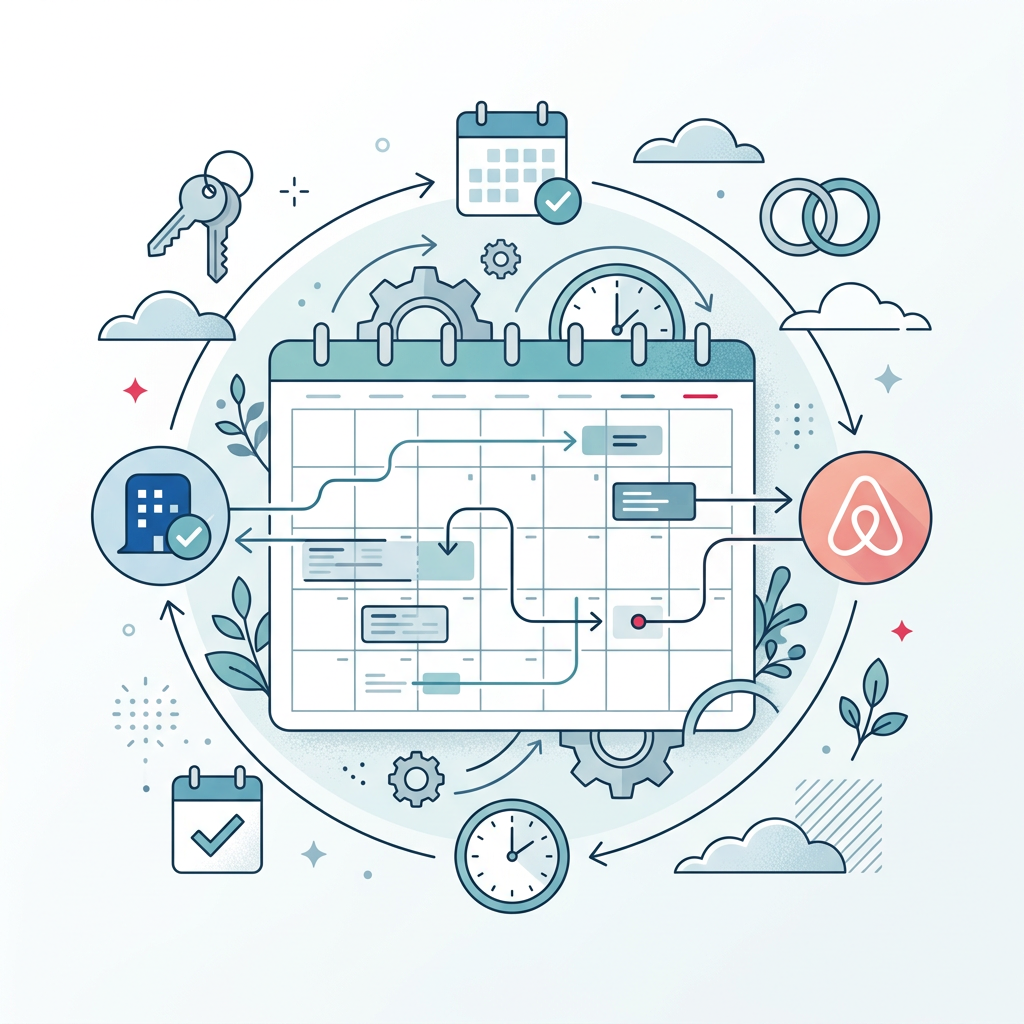
Once your Booking.com and Airbnb calendar is synchronized via a Channel Manager, this system not only records the reservation but can also communicate with Raixer's access management platform. The result? A remote and automatic check-in process that delights guests and frees the manager from the task of handing over physical keys.
How Raixer automates access with synchronized calendars:
Imagine a guest arriving late at night or the check-in time changing at the last minute. With Raixer and your Channel Manager, there's no need to coordinate key handovers or make anyone wait. The guest receives their code and can access the property upon arrival, providing a seamless and modern experience.
Fully automated access management is the next level in vacation rental efficiency. Your guests will value the autonomy, and you, the peace of mind.
Raixer smart lock technology
Raixer smart locks are designed to integrate perfectly into the property management ecosystem. They use robust communication technologies to ensure security and reliability:
- Bluetooth Low Energy (BLE): Allows secure and low-power communication between the lock and the user's smartphone or a nearby gateway device.
- Zigbee/Wi-Fi: Raixer gateways can use these protocols to connect locks to the internet, allowing remote management, even if the individual lock does not have direct network connectivity. This is crucial for synchronization with Channel Managers and PMS.
- Security Protocols: We implement advanced encryption to protect access codes and communication, ensuring that only authorized individuals can gain access.
The combination of impeccable calendar synchronization and access automation with Raixer smart locks (also applicable to offices and coworking spaces, for example) completely transforms rental operations. Human errors are minimized, time is optimized, the need for on-site personnel for key handover is reduced, and the customer experience is elevated to a new level of convenience and autonomy. It's the difference between managing and simply operating.
Choosing the right Channel Manager
Selecting a Channel Manager is a strategic decision. Consider the following points:
- Key Integrations Ensure it connects with all OTAs you use and, crucially, with access systems like Raixer.
- Features Evaluate if it offers pricing management, restrictions, automated messages, and reports.
- Ease of Use An intuitive interface reduces the learning curve and errors.
- Technical Support Good support is invaluable, especially during initial setup.
- Cost Compare plans and rates. Some charge per property, others by percentage of booking.
- Scalability It should be able to grow with your business, adding more properties or platforms seamlessly.
Some of the most popular and reputable Channel Managers on the market include:
- Guesty: Very comprehensive, ideal for managers with multiple properties.
- Hostaway: Offers a wide range of integrations and automations.
- Smoobu: Popular among smaller properties and independent managers, offering good value for money.
- Avantio: Geared towards vacation rental agencies and high-volume properties.
- Cloudbeds: A complete suite including PMS and Channel Manager, ideal for hotels and larger VUTs.
Raixer actively works to ensure compatibility with leading Channel Managers and PMS on the market, facilitating the implementation of remote check-in solutions (automatic remote check-in) for any type of property, from a single apartment to a hotel chain.
Implementation and Final Considerations
The transition to an automated calendar synchronization and access management system may initially seem complex, but the long-term benefits far outweigh the initial effort. It is advisable to plan the implementation in phases:
- Needs analysis: Determine the number of properties, booking volume, platforms used, and your budget.
- Tool selection: Choose the Channel Manager and the type of smart lock (for example, Raixer Gyro for portal doors or Raixer Pro for apartment entrance doors) that best suit your requirements.
- Configuration: Dedicate time to correctly configure the Channel Manager, connecting all your platforms and Raixer locks. Many providers offer assistance at this step.
- Testing: Conduct thorough testing with fictitious bookings to ensure that synchronization and access generation work correctly.
- Training: Make sure you and your team understand how to use the new tools effectively.
Remember that technology is there to serve you. A well-implemented system will not only prevent overbookings and save you time but also allow you to scale your business with confidence, offering a superior experience to your guests.
Beyond Airbnb and Booking
Synchronization and automation are vital not only for vacation rental platforms but also for neighborhood communities or for garage access control, where efficient management of entries and exits is key.
Frequently asked questions
Is iCal enough for my property?
For a single property with low booking volume, and if you are just starting, iCal can be a free starting point. However, it does not synchronize prices or booking details, and the delay in updates increases the risk of overbookings. For sustainable growth and professionalization, a Channel Manager is the best option.
What is the difference between a Channel Manager and a PMS (Property Management System)?
A Channel Manager primarily focuses on synchronizing calendars and rates with multiple booking platforms (OTAs). A PMS is a broader system that manages all internal operations of a property (bookings, check-in/out, invoicing, cleaning, maintenance, etc.). Many modern PMS include Channel Manager functionalities or integrate with them.
Can I use my Raixer lock without a Channel Manager?
Yes, Raixer locks can be managed independently through their own platform, allowing you to create and manage access manually. However, integrating with a Channel Manager fully automates the process, freeing you from the manual task of generating and sending codes to each guest.
What do I do if there's an overbooking despite synchronization?
Although a good Channel Manager drastically reduces the risk, no system is 100% foolproof. In case of overbooking, it is crucial to act quickly: contact the affected guest, offer an alternative solution (relocation, refund, compensation), and apologize. Review your Channel Manager settings to identify if there was any failure.
How much does a Channel Manager cost?
The cost of a Channel Manager varies significantly depending on features, the number of properties, and integrations. Some have fixed monthly fees per property, while others may charge a percentage of bookings. Options range from affordable basic plans to robust enterprise solutions. It is essential to evaluate your business needs and compare available options to find the one that best fits your budget and requirements.