How Much Does It Cost to Automate Office Access?
Discover how much it costs to automate access to an office building: breakdown of hardware, installation, and SaaS software. Optimize your budget!
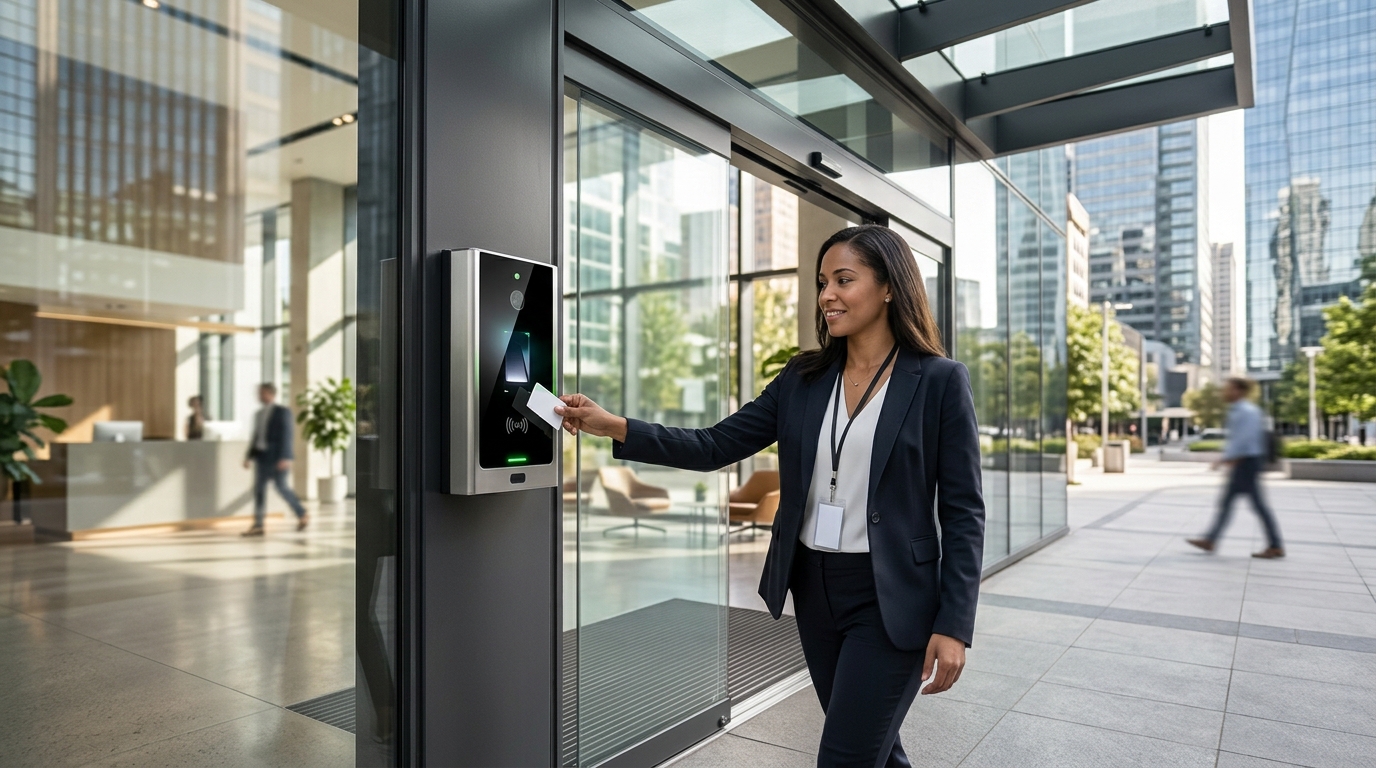
Calculating how much it costs to automate access to an office building isn't just a matter of checking smart lock prices online. Replacing physical keys with digital control in a corporate environment requires analyzing rotating user volumes, entry points, and integration with other management tools. In today's corporate landscape of 2026, access control is not a mere tech-upgrade whim, but an absolute necessity for operational security, traceability, and administrative efficiency for any company—from small agencies to large multinationals with entire buildings at their disposal.
Key Takeaways
- The final cost depends on the number of doors and access points, not just the total number of users.
- Automation delivers drastic savings on administrative management hours and key replacements.
- The breakdown is divided into three key pillars: physical hardware, professional installation, and software licensing.
Cost Breakdown: What Are You Really Paying for When Automating?
When considering digitizing the entrances of a corporate building, we often mistakenly focus on a single physical device. However, the real budget for this technological transition is split into several distinct components that must be understood in detail to prevent unpleasant surprises mid-project.
1. Hardware Investment (Physical Devices)
Hardware is the visible face of the system and typically represents the largest initial expense. Retrofitting a glass door at the main reception—which requires an electromagnetic lock or a specific electric strike—is very different from installing a motorized cylinder in an executive office or a barrier gate control in an underground parking lot.
Generally, hardware prices vary widely based on robustness and mechanics. A basic smart cylinder for an interior door can range between 150 and 300 euros. However, for main doors with high traffic (thousands of daily openings), reinforced electric strikes, vandal-resistant proximity readers, or heavy-duty keypads are required. This can raise the cost per door to a range between 400 and 800 euros, depending on specifications and manufacturer.
2. Installation and Commissioning Costs
The second major cost block is skilled labor. Automating an access point isn't just about screwing a device onto a door; it requires expertise in locksmithing, electrical systems, and data networks.
Installing a non-invasive system (which leverages the existing intercom) can cost around 100 to 150 euros per access point, as installation time is minimal. In contrast, if new wiring must be routed through walls and ceilings, uninterruptible power supplies (UPS) installed, or significant modifications made to door leaves, the installation cost per door can easily exceed 300 euros.
3. Software Licensing and Maintenance
Finally, the brain of the operation is the management software. In 2026, the vast majority of corporate solutions operate under SaaS (Software as a Service) models. This means that, in addition to purchasing the hardware, the company pays a recurring fee for cloud platform usage, secure access log storage, and cybersecurity updates.
This fee is usually structured in one of two ways: a flat rate per connected door (for example, between 10 and 30 euros per month per door) or a variable cost based on the number of active users in the database. It is vital to calculate this projected cost over a 3- to 5-year period to determine the true Total Cost of Ownership (TCO) of the project.
The Master Key Problem
Losing a master key in a large office building can force you to rekey or replace dozens of lock cylinders for security reasons—an unexpected cost that far exceeds that of any smart lock or software license.
Return on Investment: Is Automating Access Worth It?
At first glance, the initial outlay to automate entrances may seem high, but profitability must be measured in terms of operational savings. Administration and HR departments typically benefit the most from this technological shift.

Direct Savings in Personnel Management
In shared workspaces and dynamic corporations, user turnover is exceptionally high. Automating with connected systems makes it possible to onboard, offboard, and revoke permissions instantly from a web dashboard, without physical travel or ordering duplicate keys from a locksmith. This is especially critical in today's hybrid work models, where employees do not come into the office every day.
- Reduced Overtime Eliminates the need for security or front-desk staff after hours just to let in contractors, cleaners, or night-shift employees.
- Zero Key-Cutting Costs By using smartphones as keys, the company saves thousands of euros annually on replacing lost plastic cards or physical keys.
- Space Optimization Entry and exit logs reveal which office areas are actually being used, helping optimize desk allocation and layout planning.
- Automatic Integration By integrating access control with HR software, an offboarded employee automatically loses building access without manual intervention.
Steps to Scope Your Office Project
If you are a Facility Manager presenting a budget to executive leadership, don't request quotes blindly. A professional installer will need specific technical details to provide a realistic estimate free of hidden surcharges.
The Importance of an Initial Audit
Before contacting vendors, it is essential to draft an internal document detailing the current state of your infrastructure. Follow this roadmap to clearly define your company's needs:
- Audit the entrances. Create an architectural floor plan marking which doors separate public areas (reception) from private areas (offices, server rooms) and which are for restricted use.
- Define the user experience. Will employees unlock doors using their smartphones (via app or Bluetooth), a PIN code on a keypad, or do you prefer to keep modern RFID cards or key fobs due to company policy?
- Inspect the physical doors. Check whether they have electric strikes installed (like standard commercial intercom systems) or if they are conventional doors that will require a dedicated motorized cylinder.
- Assess network infrastructure. Ensure there is reliable Wi-Fi coverage or Ethernet drops at the exact points where access devices will be installed to guarantee real-time communication.
With this information carefully compiled, you will be able to request much more accurate quotes. Efficient solutions such as Raixer products allow you to upgrade existing electric intercoms (ideal for main street doors, parking gates, or exterior barriers) without altering the mechanical lock of the front door, drastically reducing installation and construction costs at the building's first perimeter defense.
The Role of Regulations in Access Control
One factor that frequently affects the final budget and is often overlooked by managers is strict evacuation and fire safety compliance. In corporate buildings, life safety is paramount and non-negotiable.
Mandatory Certifications in 2026
Emergency exits (usually equipped with panic bars) and fire-rated partition doors have stringent certifications inspected by regulatory authorities. Installing an incompatible automated mechanism, or drilling into a fire door to run a cable, can instantly void its official certification. This can lead not only to hefty fines from authorities, but also to insurance claims being denied in the event of a serious incident.
Applicable safety regulations explicitly require that in the event of a complete power outage or fire alarm, escape routes must ensure a fast, intuitive mechanical exit without any electronic obstruction. Hardware selected for these critical paths must be strictly Fail-Safe (automatically unlocking when power is lost).
Getting proper advice is the best way to ensure that automating your locks for offices and coworking spaces complies fully with the Technical Building Code and all applicable local and European standards in 2026. A poor design in this regard can force you to tear out the entire system and start from scratch, doubling the project's cost.
Frequently Asked Questions
Do I need to replace my doors to install access control?
In the vast majority of cases, replacing the entire door is not necessary, which would be cost-prohibitive. Usually, specific modular components are replaced or added (such as the European cylinder, exterior handle, or installing an electric strike embedded in the frame), adapting digital technology to the existing mechanical infrastructure and significantly lowering installation costs.
What happens if the office loses power or the internet goes down?
Enterprise-grade professional systems are designed from the ground up to keep operating offline and ensure business continuity. They typically include internal backup batteries, and local proximity unlocking (such as mobile Bluetooth or RFID cards) continues to function normally even if the main router temporarily loses connection. The system simply stores the logs locally and syncs entry and exit records to the cloud the moment connectivity is restored.
Can users unlock with their phone while keeping traditional keys?
Yes, most smart locks built for commercial use retain a standard mechanical key cylinder—either hidden or integrated—specifically for emergencies, or they actuate an electric strike in the frame without interfering with the traditional mechanical lock. This allows for a smooth, gradual transition for employees, while letting you keep master physical keys for cleaning or maintenance personnel if required.
Is it cheaper to use residential smart home systems in an office?
Absolutely not—and this is one of the most common and expensive mistakes. Although the unit purchase price might be lower at a consumer retail store, residential locks are designed for just a few openings per day. They cannot handle the heavy foot traffic of an office (dozens or hundreds of daily openings), nor do they provide the robust multi-user permission management software an organization requires. In practice, they fail quickly from mechanical wear and tear, burn through batteries every few weeks, and create major administrative headaches and security vulnerabilities.