How to Automate Turnover Cleaning Between Vacation Rental Bookings
Discover how to automate turnover cleaning for vacation rentals using smart locks and PMS software. Streamline your operations today!
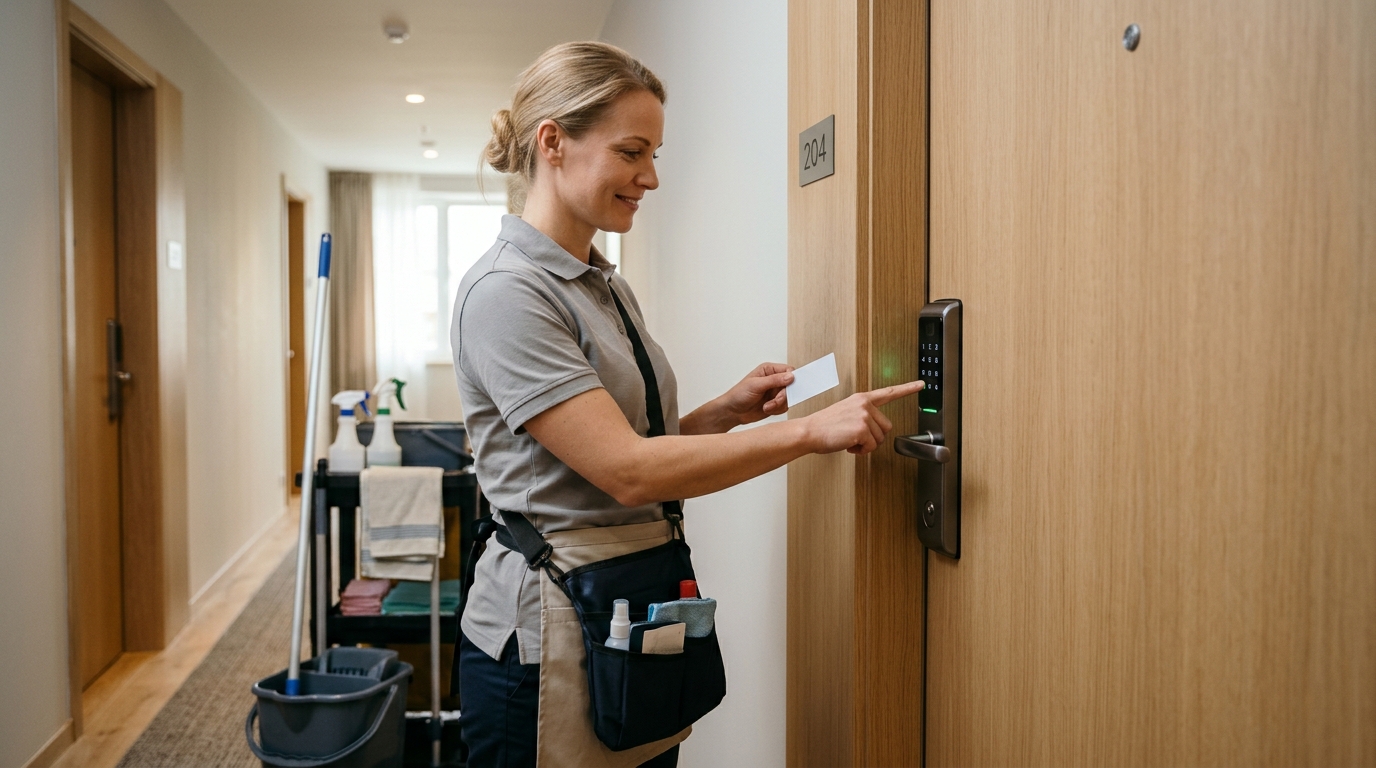
Automating cleaning turnovers between bookings is an ongoing challenge for vacation rental managers. Coordinating schedules, handing over physical keys, and ensuring the property is spotless for the next guest consumes time and creates stress. Today, synchronizing your cleaning team with your booking calendar using technology is key to scaling your operations efficiently.
Key Takeaways
- Automating access eliminates the need to hand over physical keys to cleaning staff.
- Syncing smart locks with your property management software improves coordination.
- You can generate temporary access codes exclusively for cleaning hours to avoid overlaps with guests.
The Challenge of Turnover Cleaning in Vacation Rentals
When managing multiple properties, cleaning logistics can quickly become a bottleneck. Guests may check out late, cleaners need immediate access, and unexpected maintenance often has to be scheduled on the fly. Relying on physical keys or traditional lockboxes usually leads to issues: lost keys, unchecked code sharing, or unnecessary waiting at the door, which delays the entire turnover process.
Furthermore, security is a top priority. You don’t want generic codes floating around among different staff over time, nor do you want team members entering outside their scheduled shifts. You need a system that offers full traceability and control over who enters and when, along with clear protocols for reporting any issues or damage discovered during cleaning.
When choosing an access control system, make sure it fits your infrastructure to guarantee a stable connection and low power consumption.
Benefits of Automating Access for Maintenance and Cleaning
Implementing an automated access system doesn’t just benefit cleaning logistics—it elevates your entire operation. Removing the need for physical key handoffs significantly reduces operational costs and idle time. Cleaning staff can access properties independently, optimizing their routes and boosting productivity. Additionally, tools like TurnoverBnB or Breezeway benefit immensely by triggering automatic "cleaning started" or "cleaning completed" notifications based on actual entry to the home.
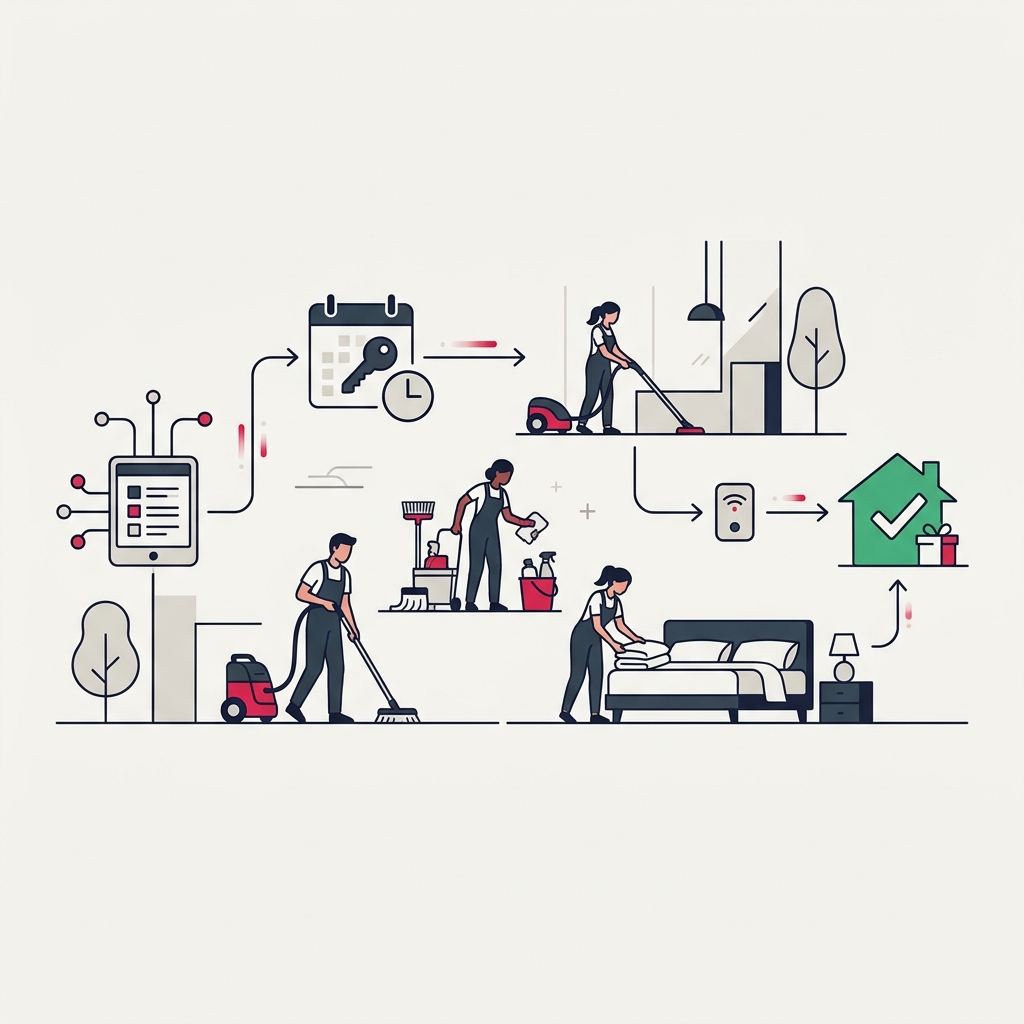
Traceability is another crucial factor. By maintaining an entry and exit log, you can verify whether cleaning was carried out within the allocated timeframe and easily resolve any disputes regarding billed hours or service quality. This offers peace of mind to both the property manager and homeowners, eliminating the uncertainty typically associated with rental turnovers.
Step-by-Step Flow for Cleaning Automation
To achieve a frictionless workflow, establishing a seamless communication and access routine is essential. Today's technology allows these processes to run without manual intervention from the property manager, connecting the Channel Manager or PMS calendar directly with the cleaning crew and access control system.
- Checkout notification. The system detects the end of a reservation or the guest confirms their checkout, notifying the cleaning team.
- Temporary access generation. The software automatically creates a PIN or digital access credential valid only during the designated cleaning window.
- Access and entry logging. The cleaner enters the apartment, and the system records the exact entry time, confirming that turnover has begun.
- Completion and inspection. Upon departure, the staff member marks the task as completed (or the system infers it via exit), alerting the manager that the unit is guest-ready.
Instruct your team to report any damage or missing supplies immediately upon entry using their task management app before starting the deep clean.
Syncing with Guest Check-In
Cleaning automation is closely tied to the upcoming guest's arrival experience. Once the cleaning team finishes and the apartment is ready, the system can automatically activate automated remote check-in. This ensures guests receive their access code right on time, preventing waiting and guaranteeing that they arrive to a pristine property without the risk of bumping into staff still on the job.
If unexpected issues arise—such as a maintenance breakdown or significant cleaning delay—managers can adjust access times remotely. For example, if the crew needs an extra 30 minutes, the guest's code activation is pushed back and an automated notification is sent, keeping communication transparent and avoiding awkward surprises at the door.
Handling the Unexpected
Even with automated workflows, having a system that lets you adapt to last-minute disruptions—such as delayed flights or emergency maintenance—is essential.
Scaling Property Operations with Raixer
As your property portfolio expands, standardization becomes vital to avoid operational burnout. Solutions like Raixer Pro streamline this transition by integrating directly with leading hospitality PMS platforms, allowing you to centrally manage hundreds of temporary access credentials from a single dashboard. By simplifying entry for cleaning crews, preventing scheduling overlaps, and automating turnovers between bookings, managers can stop putting out daily operational fires and focus on acquiring more properties to grow their business.
Frequently Asked Questions
What happens if the internet goes down at the apartment?
Most reliable systems use Bluetooth technology as a backup. If the apartment loses Wi-Fi connectivity, cleaning staff can still unlock the door using the mobile app on their smartphone, as permissions are stored locally on the device.
Is it difficult to integrate a smart lock with my PMS?
No. Modern access control platforms offer native integrations for popular vacation rental PMS software and task management tools like Breezeway. Setup typically takes just a few minutes in the dashboard, enabling automated credential generation almost instantly.
Can I revoke a cleaner’s access at any time?
Yes. You can edit, pause, or revoke any access permission in real time directly from the management portal. This is especially helpful if staffing schedules change unexpectedly or if you need to revoke access immediately for security reasons.
Can cleaning staff and guests use the same access codes?
While technically possible, it is strongly discouraged. Best practices dictate generating distinct credentials: temporary codes reserved strictly for the cleaning window (which expire immediately after) and unique codes for each guest's stay. This ensures complete auditability, heightened security, and clear records of who enters the property at all times.