Office access digitalization: key benefits
Discover the key benefits of digitalizing office access. Learn how to transform your workplace security, enhance flexibility for hybrid teams, and improve control. Get your guide today!
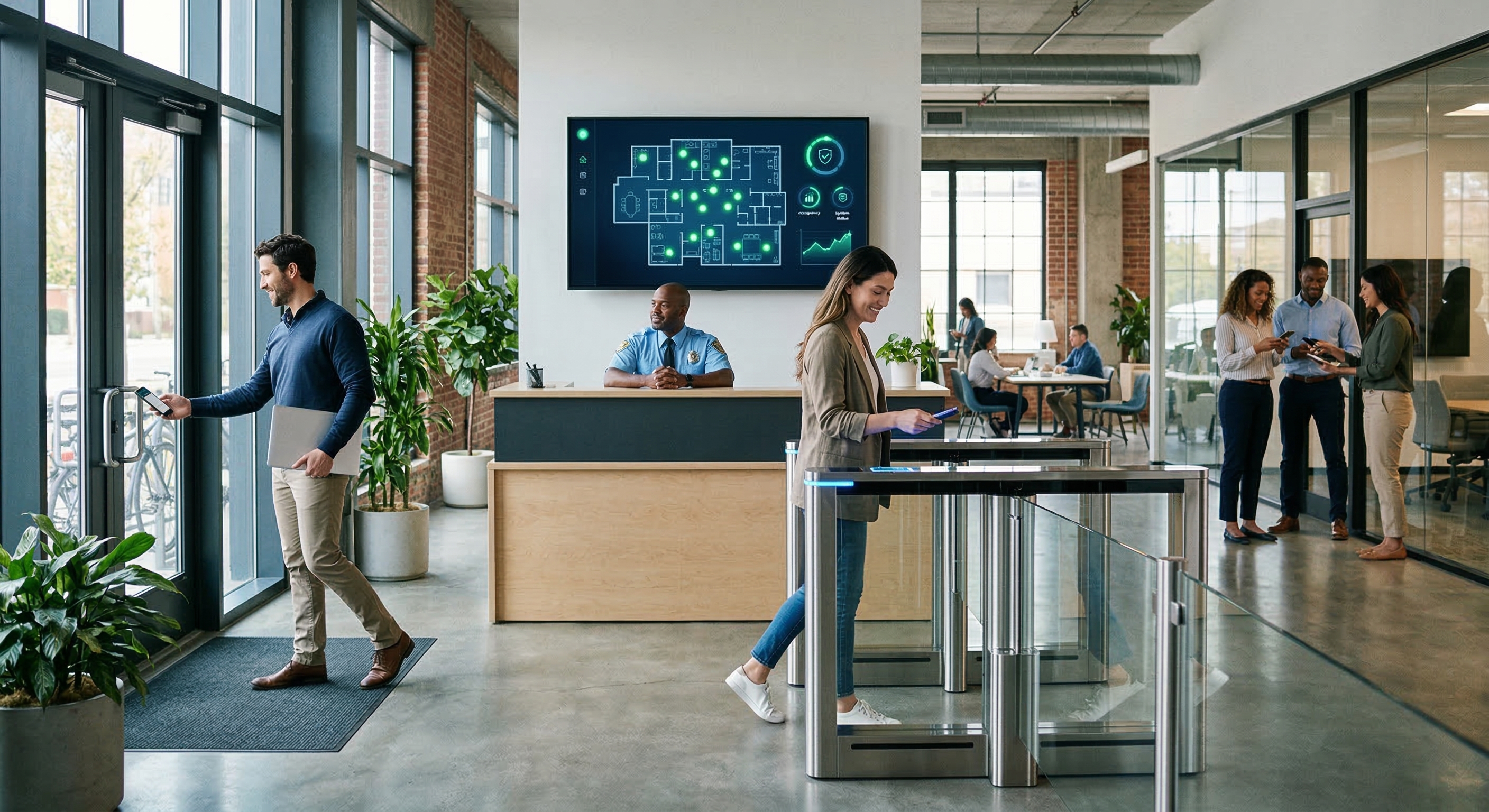
Digitalizing office access is no longer a “future” concept: it's a necessity. If you manage a hybrid team, receive suppliers daily, or simply want to ditch physical keys, having a smart access system makes life easier and the office more secure.
In this guide, you’ll find a practical, step-by-step approach to how to digitalize office access, what you need, which doors you can automate, and how it works day-to-day. You'll also see how tools like Raixer allow you to manage everything from your mobile or a web panel without complications.
1. Why digitalizing access is worth it
Before diving into the steps, it's important to understand the benefits of this transformation.
✔ No more lost keys or cards
With a digital system, you can open with:
- PIN code,
- NFC,
- mobile,
- digital card,
- or even remote control.
Say goodbye to duplicates, pickups, deliveries, or lock changes.
✔ Total flexibility for hybrid teams
If your team works some days from the office and others from home, you need a system that adapts:
- time-based permissions,
- temporary access,
- expiring codes,
- restricted zone control.
✔ More control and enhanced security
See who enters, at what time, and where.
You can activate alerts for failed attempts or out-of-hours access.
✔ Fewer incidents and less wasted time
No more traveling to open for a supplier or waiting for a technician.
You can open from your mobile in seconds.
2. Step 1: Analyze your office's current situation
To digitalize access, the first step is to review your office's entry points and how they are used.
A. Identify all doors you want to digitalize
Typically:
- main office door,
- building entrance,
- garage,
- server rooms,
- private offices,
- archive or storage room.
Each may require a different type of solution.
B. Define who needs access
Make a simple list:
- permanent employees,
- management team,
- cleaning staff,
- maintenance,
- delivery services,
- occasional visitors.
This will help you configure permissions more effectively.
C. Check your current lock type
Not all doors are the same:
they might have a handle, knob, electric lock, panic bar…
This determines whether you need a smart lock or a controller.
3. Step 2: Choose the right solution for each door
This is where you decide what exactly to install.
✔ Smart locks
They are ideal for interior office doors:
- rooms, offices, storage, etc.
Allow opening with PIN, NFC, app, digital card…
✔ Door controllers
They are perfect for:
- building entrances,
- garages,
- doors with electric door openers,
- community access.
No need to change the lock; the controller activates the existing electrical system.
✔ Combination of both
The most common setup in offices is a combination of:
- smart lock on the interior door,
- controller for the entrance or garage.
✔ Complete solutions like Raixer
Raixer stands out because it integrates up to six opening methods and allows control of both locks and electric doors from a single panel. It is very practical for offices managing multiple access points or teams.
4. Step 3: Plan the installation
Good news: digitalizing an office rarely requires construction work.
Smart locks
They are installed like changing a lock or handle.
Typical time: 20–40 minutes.
Controllers
Simply connect them to the electric door opener.
Time: 30–60 minutes.
WiFi
It's important that the area has a good connection.
If not, a WiFi repeater is sufficient.
5. Step 4: Configure your digital access system
This is where the difference truly begins to be felt.
A. Define users and permissions
Practical examples:
- Employees: Monday to Friday access from 7:00 to 22:00.
- Management: full 24/7 access.
- Cleaning staff: limited night-time hours.
- Suppliers: temporary codes.
- Visitors: one-time access with automatic expiration.
B. Configure schedules
No more “everyone can enter anytime”.
Scheduling significantly increases security.
C. Activate security features
- Expiring codes
- Alerts for failed attempts
- Real-time access audit
D. Connect integrations
You can connect the system to:
- Google Workspace,
- Microsoft 365,
- room booking tools,
- CRMs for visitors,
- alarm systems, etc.
Raixer offers an API to connect any workflow.
6. Step 5: Automate tasks to save time
This is one of the big advantages of digitalizing access.
✔ Automation 1: New employee onboarding
Permissions are automatically created when HR registers someone.
✔ Automation 2: Remote access
If someone arrives outside working hours, you can open from your mobile.
✔ Automation 3: Temporary codes
For technicians, sales visits, cleaning staff, etc.
✔ Automation 4: Scheduled closing
At a certain time, all doors lock, and access is restricted.
✔ Automation 5: Access reports
You can receive a daily or weekly summary in your email.
7. Step 6: Train the team
You only need to communicate:
- how to open with mobile, PIN, or NFC,
- what to do if they change phones,
- who to ask for special permissions,
- how to generate a visitor code.
A welcome guide is usually sufficient.
8. Step 7: Review and adjust
During the first few weeks, it's advisable to observe:
- if schedules are working,
- if suppliers enter without problems,
- if there are strange alerts,
- if any permission is too broad.
The usual approach is to fine-tune it gradually until everything flows smoothly.
9. Best practices and errors to avoid
Best practices
- Define clear roles from the start
- Limit access by schedules
- Use temporary codes for visitors
- Review audit trails
- Maintain stable WiFi
Common errors
- Granting 24/7 access to everyone
- Not revoking old permissions
- Not anticipating maintenance schedules
- Installing hardware without checking compatibility
Digitalizing office access not only improves security: it also eliminates incidents, simplifies management, allows for process automation, and adapts perfectly to hybrid work.
With solutions like Raixer, you can control doors, create permissions, open from your mobile, and manage all access from a single panel, without construction work and in a very short time.