Nuki Web: Digital Access Control for Property Management
Discover Nuki Web, the online platform for managing Nuki smart locks. Simplify access control, permissions, and security in tourist rentals, offices, and communities. Optimize your operations now!
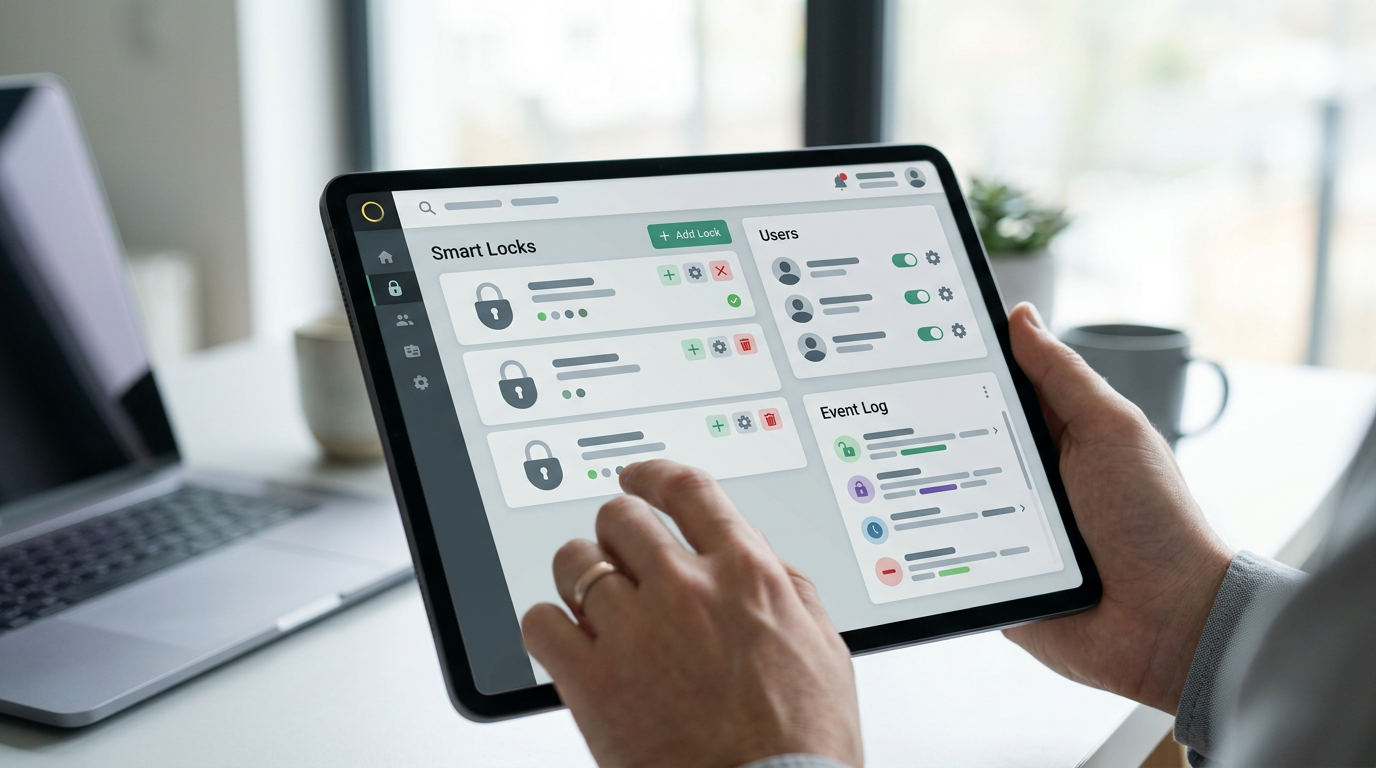
Property management, whether for tourist rentals, shared offices, or residential communities, presents complex challenges regarding access and security. The need to provide entry credentials remotely, revoke permissions instantly, or supervise facilities usage is crucial in today's world. This is where solutions like Nuki Web become vitally important, acting as the digital control center that simplifies these tasks, optimizing operations and enhancing the user experience for both managers and guests or end-users.
The Essentials
- Nuki Web is the online management platform for Nuki smart locks.
- It allows access control, permission creation, and real-time event monitoring.
- It streamlines operations in tourist rentals, offices, and shared properties.
What is Nuki Web and how does it transform access management?
Nuki Web is the online interface designed to centrally manage all Nuki smart locks associated with an account. This cloud-based platform allows users to configure, control, and monitor their Nuki Smart Lock and Nuki Opener devices from anywhere in the world at any time, using only a web browser. Its main value lies in its ability to digitize and automate complex access management processes, eliminating the need for physical keys and the manual tasks associated with their delivery and collection.
The essence of Nuki Web lies in its ability to offer granular and adaptive access control. From creating temporary permissions for guests of a tourist accommodation to assigning specific schedules for cleaning or maintenance staff, everything is managed with a few clicks. This not only improves security by allowing immediate revocation of permissions but also optimizes operational efficiency, reducing costs and management times.
Architecture and Functioning: The Connected Nuki Ecosystem
The Nuki ecosystem consists primarily of the smart lock (Nuki Smart Lock) and the bridge (Nuki Bridge), which acts as a communication bridge between the lock and the cloud. The Smart Lock communicates with the Bridge primarily via Bluetooth Low Energy (BLE), a low-power protocol ideal for battery devices. The Bridge, in turn, connects to the local Wi-Fi network to establish communication with Nuki servers in the cloud. It is through this infrastructure that Nuki Web can interact with the locks in real-time, sending commands and receiving status notifications.
Constant Evolution
The smart lock sector is constantly developing. Solutions like Nuki Web and those existing at Raixer continuously adapt to new technologies and protocols to offer maximum compatibility and security.
Security Considerations in Nuki Web
Security is a fundamental pillar in any digital access solution. Nuki Web implements various measures to protect data and accesses:
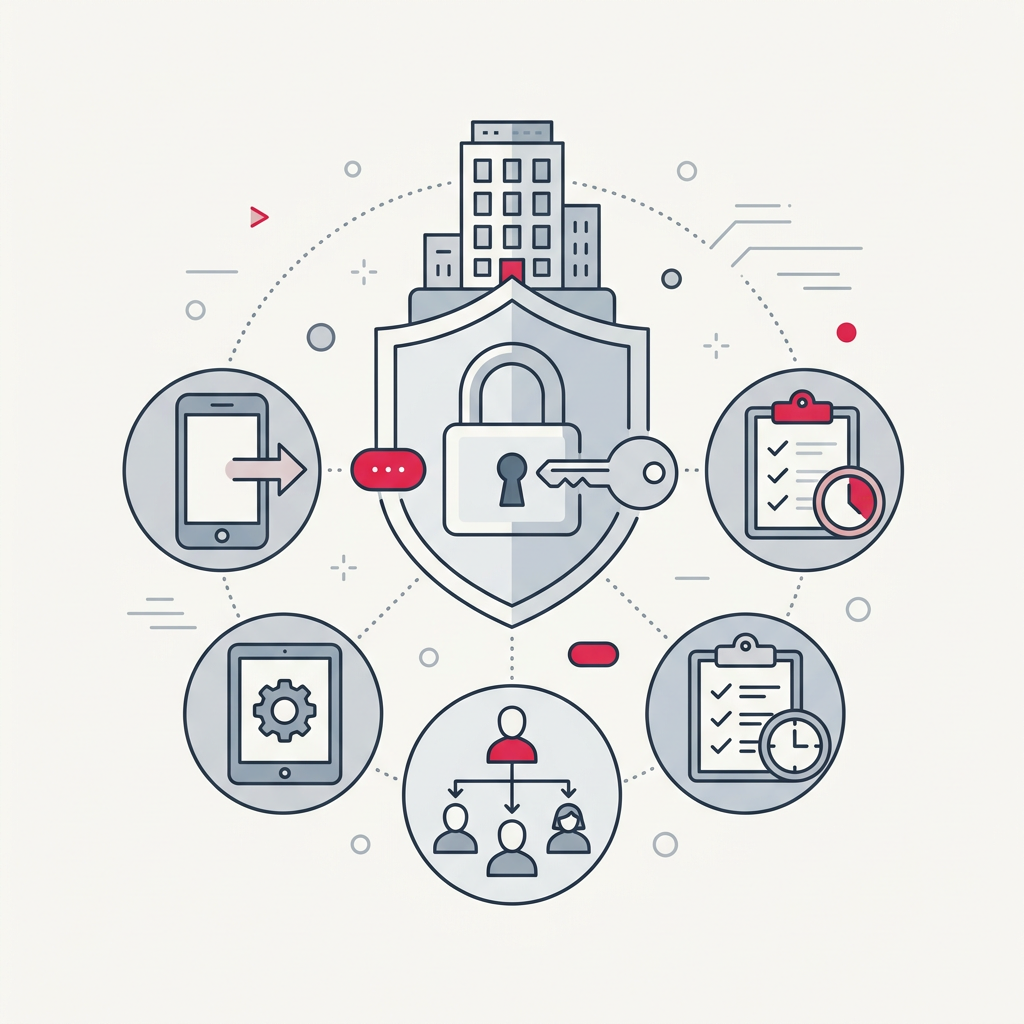
- End-to-End Encryption. All communications between the lock, the Bridge, the Nuki app, and Nuki Web are end-to-end encrypted, following robust standards.
- User Authentication. Access to Nuki Web requires authentication with strong credentials, and activation of two-factor authentication (2FA) is strongly recommended to add an extra layer of security.
- Secure Servers. Data is stored on secure servers, with strict data protection policies and compliance with privacy regulations.
- Security Audits. Nuki subjects its systems to periodic security audits to identify and fix potential vulnerabilities.
For those seeking solutions with an even higher professional security standard, Raixer locks offer advanced encryption, robust communication even without internet, and an equally powerful management platform. For example, our Raixer Pro is designed for high-demand and high-security environments.
Alternatives and Complements to Nuki Web: The Raixer Perspective
While Nuki Web is an excellent tool for managing Nuki locks, it is important to consider other solutions on the market that can offer complementary features or adapt to specific needs. At Raixer, we have developed a range of products and a management platform that integrate perfectly into demanding professional contexts.
Our solutions not only focus on the lock but on comprehensive access control. For example, Raixer Mini offers a compact design without compromising security, ideal for multiple apartments or rooms. For environments requiring more robust management and superior resistance, the Raixer Gyro is an outstanding option. All our Raixer smart locks are designed to work without Wi-Fi (in certain modes), communicating via BLE or even LoRa WAN at 868MHz, which provides superior robustness and autonomy for specific use cases.
The choice between Nuki Web and other management platforms, such as those offered by Raixer, will depend on the specific requirements of the project: number of doors, need for offline connectivity, level of integration with other systems, and the type of support and customization desired. Both offer the vision of a keyless future, more secure and efficient.
The digitalization of access through web platforms is the present and future of efficient and secure property management.
Frequently Asked Questions
Is Nuki Web free?
Access to the basic functionalities of Nuki Web is included with the purchase of Nuki devices. However, there may be subscription plans or advanced features for intensive professional use that might incur additional costs. It is always advisable to consult the official Nuki website for the most up-to-date details on their plans and prices.
Do I need a Nuki Bridge to use Nuki Web?
Yes, to remotely control and manage your Nuki locks via Nuki Web (i.e., outside the Bluetooth range of the lock), it is essential to have at least one Nuki Bridge connected to the Wi-Fi network. The Bridge is the device that allows the Smart Lock to communicate with the cloud and, therefore, with the web interface.
What is the difference between Nuki Web and the Nuki mobile app?
Both platforms (Web and mobile App) offer similar access management and monitoring functionalities. The main difference lies in the format and scope. Nuki Web is optimized for multi-device and multi-user management from a desktop browser, ideal for property managers. The mobile application is designed for quick and personal control from a smartphone, more oriented towards the end-user or a manager on the go.
Is Nuki Web compatible with smart locks other than Nuki?
No, Nuki Web is designed exclusively for managing Nuki products (Smart Lock, Opener, etc.). It is not compatible with locks or devices from other manufacturers. However, the current trend in the sector is towards integration with standards such as Matter, which could open doors to greater interoperability in the future.
What should I do if my Nuki locks do not appear in Nuki Web?
If your Nuki locks do not appear in Nuki Web, first check that your Nuki Bridge is correctly configured and connected to the internet, and that the locks are within the Bluetooth range of the Bridge. Also, make sure you have correctly linked the locks to your Nuki user account and have logged in with the correct account in Nuki Web. If the problem persists, consult Nuki's technical support section.