Pinpad and Access Control: Raixer's Complete Guide
Discover what a pinpad is, how it transforms access control, and its evolution, from basic systems to integrated solutions. Optimize your security with Raixer!
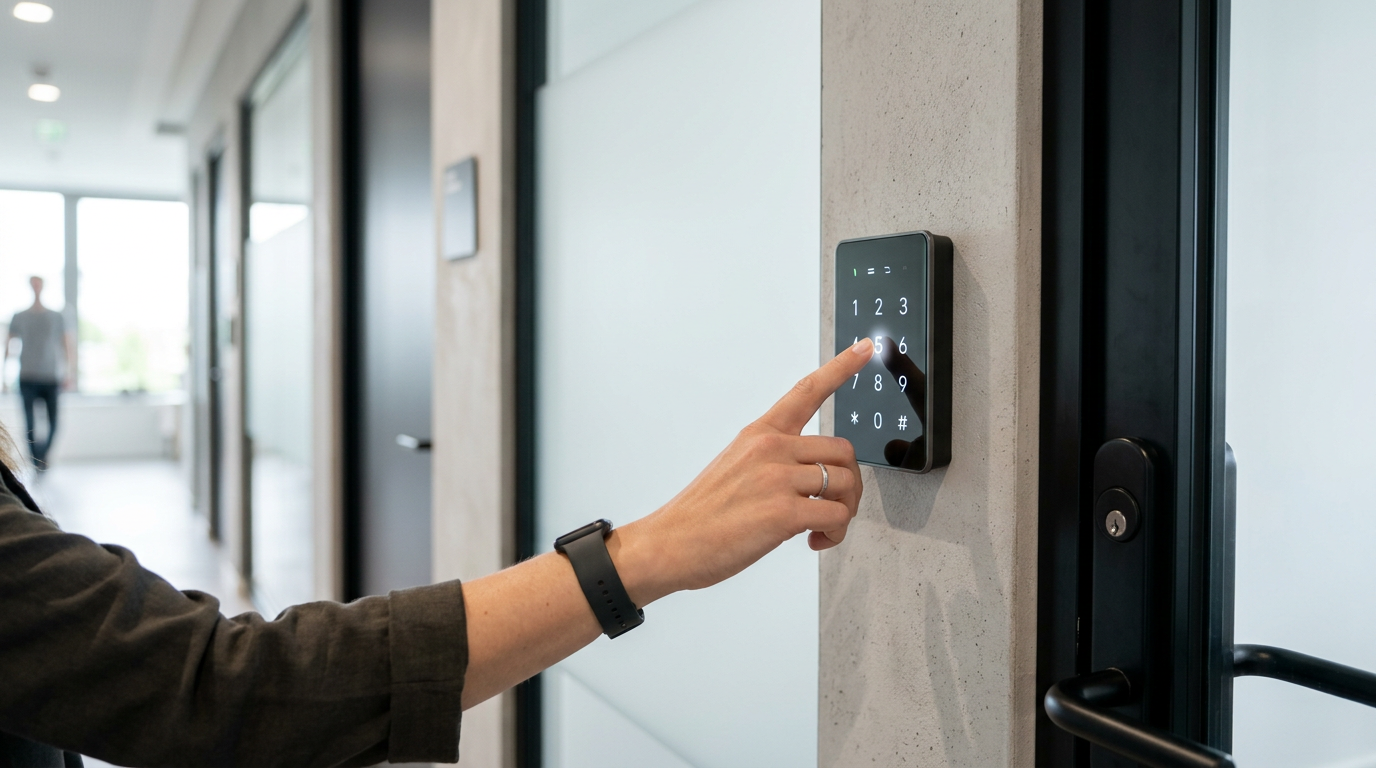
Access control is a fundamental pillar in property and workplace management, and within this field, the pinpad emerges as a robust and versatile solution. A pinpad, or numerical keypad, is an electronic device that allows access to a property by entering a pre-established PIN code. Its simplicity, combined with proven reliability, has made it an essential component in modern security systems for a wide range of applications, from tourist rentals to community and office management.
The essential bits
- A pinpad is a versatile and secure PIN-based access device for multiple applications.
- They offer self-managed access, robust security, and easy integration with smart systems.
- Bluetooth, Wi-Fi, or Zigbee connectivity facilitates remote control and the creation of temporary codes.
What is a pinpad and how does it transform the concept of access?
A pinpad is a key component in electronic access control systems. Basically, it is an alphanumeric keypad that, by entering a correct numerical combination (PIN), activates an opening mechanism, usually a lock or an intercom. Its strength lies in the combination of security, ease of use, and the elimination of physical keys, which drastically reduces problems of loss or illegal copying. In the last decade, pinpads have evolved from simple numeric keypads to complex integrated systems, pillars of smart access management.
The evolution of the pinpad has gone hand in hand with that of smart locks. Today, we not only find standalone pinpads, but also those integrated directly into smart locks or combined with other access methods, such as RFID cards, biometrics, or smartphone access. This technological convergence allows for much more dynamic and secure access management, ideal for solutions like those offered by Raixer.
Preventive Maintenance
Maintenance is minimal but crucial. In addition to periodic checking of batteries and cleaning the keypad (especially on touch keypads, where dirt can affect sensitivity), it is recommended to check electrical connections and the physical integrity of the device, especially if it is exposed to the elements or potential vandalism. In corrosive environments, contact and seal inspection should be more frequent.
The future of the pinpad in access control: An evolving essential component
Far from being an obsolete technology, the pinpad is undergoing a revitalization driven by intelligent integration and adaptability. Its future is shaping up to be an even more essential component in advanced access control ecosystems, thanks to clear trends:
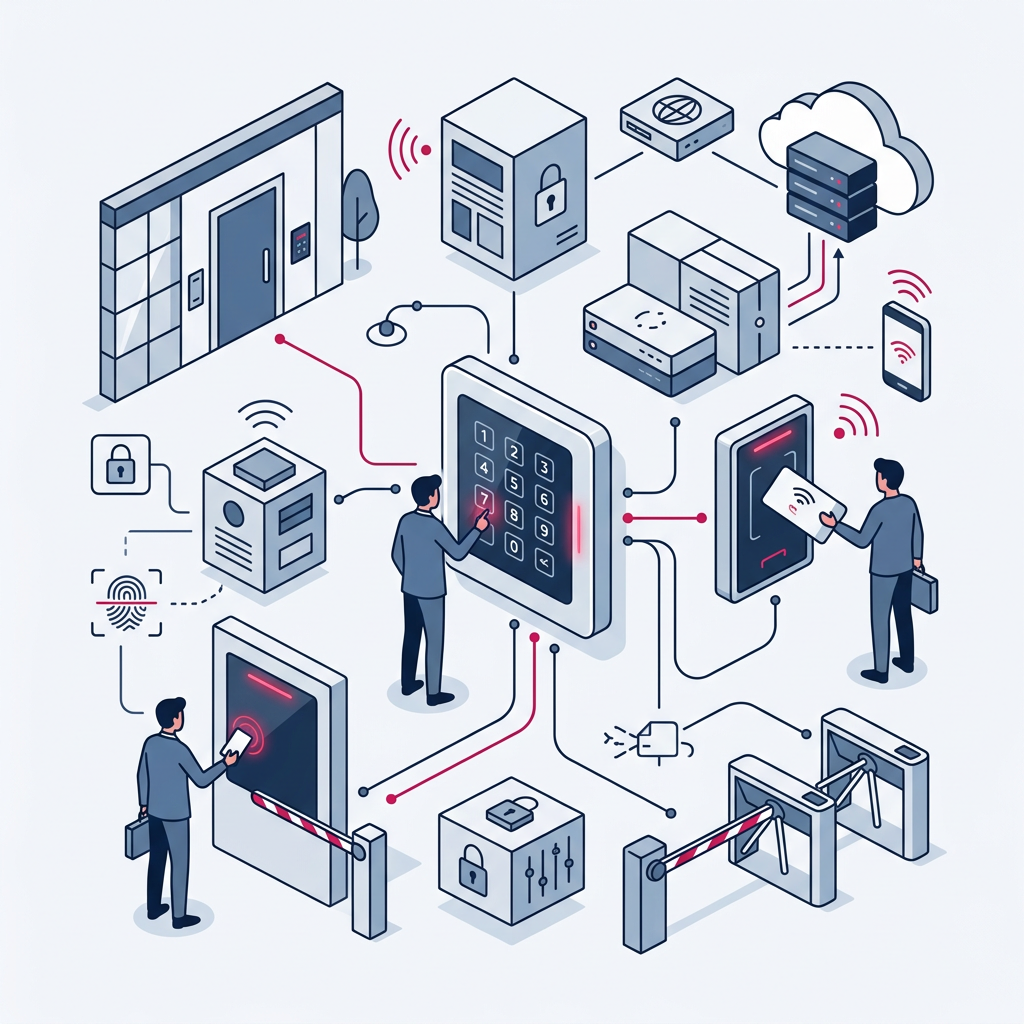
- Fusion with Biometrics: The integration of fingerprint readers or facial recognition directly into the pinpad offers an advanced level of biometric security, while maintaining the PIN option as a backup. This facilitates two-factor authentication without the need for additional devices.
- Integration into IoT Ecosystems and Standards like Matter: Compatibility with universal standards like Matter will revolutionize how pinpads communicate with other smart devices. A pinpad will not only activate a lock but will also be able to interact with lighting, climate control, or security systems, creating smart and fully automated scenarios for user arrival or departure. The pinpad becomes an orchestration point for the smart home or office.
- Data Analytics and Personalization: Connected pinpads don't just record access; future systems will analyze usage patterns, enabling dynamic security adjustments (e.g., more complex PIN requirements during specific hours) and offering personalized suggestions for access management based on user behavior.
- Flexibility for Emerging Business Models: Its ability to generate temporary codes and be managed remotely makes it indispensable for growing sectors such as tourist rentals (locks for vacation rentals), coworking (locks for offices and coworking), and home delivery services. The versatility of the pinpad ensures that it will remain the preferred interface for simple yet secure authentication in countless applications.
The combination of the PIN's ease of use with the sophistication of remote management and integration with other technologies ensures that the pinpad will not only maintain its relevance but will consolidate itself as a pillar in security and comfort in tomorrow's environments.
The pinpad, in its essence, democratizes access control, making it accessible, secure, and adaptable to any need. Its evolution is proof that simple solutions, when intelligently integrated, are the most enduring.
Frequently Asked Questions
Is it safe to use only a pinpad for access control?
Yes, a pinpad can be very secure, especially if it combines robust PIN codes (avoiding simple sequences, birth dates, etc.) with functions such as temporary lockout after failed attempts and remote code management that allows for instant revocation. For extra security, it can be complemented with access methods like RFID cards or biometrics.
Does a pinpad require internet to function?
Not all pinpads. Many can function autonomously with codes programmed directly into the device. However, for remote code management, real-time monitoring, event notifications, or integration with smart systems, it is common for them to require Wi-Fi connectivity or a Gateway bridge with BLE connectivity, like the one used by Raixer Gyro.
Can temporary or one-time codes be generated?
Yes, most modern pinpad systems, especially those linked to smart locks like Raixer's, allow generating PIN codes with specific expiration dates and times, or even one-time codes. This functionality is ideal for visitors, maintenance personnel, temporary tenants, or delivery services. Management is conveniently done from the mobile application.
What should I do if I forget the master code of the pinpad?
In most cases, devices include a reset method for these incidents, which can be a hidden physical button or a specific procedure (e.g., removing a battery and holding down a button). This process usually restores factory settings, allowing you to set a new master code. It is essential to consult the user manual or, failing that, contact the manufacturer's technical support.
Are pinpads weather resistant?
It depends on the model and its certification. Those designed for outdoor use must specify their IP (Ingress Protection) rating, which indicates their resistance to dust and water. It is advisable to look for models with IP65 certifications or higher to ensure their durability outdoors, protecting them against rain and dust particles. Resistance to extreme temperatures is also a factor to consider depending on the geographical location.